
How to assign employees to a role?
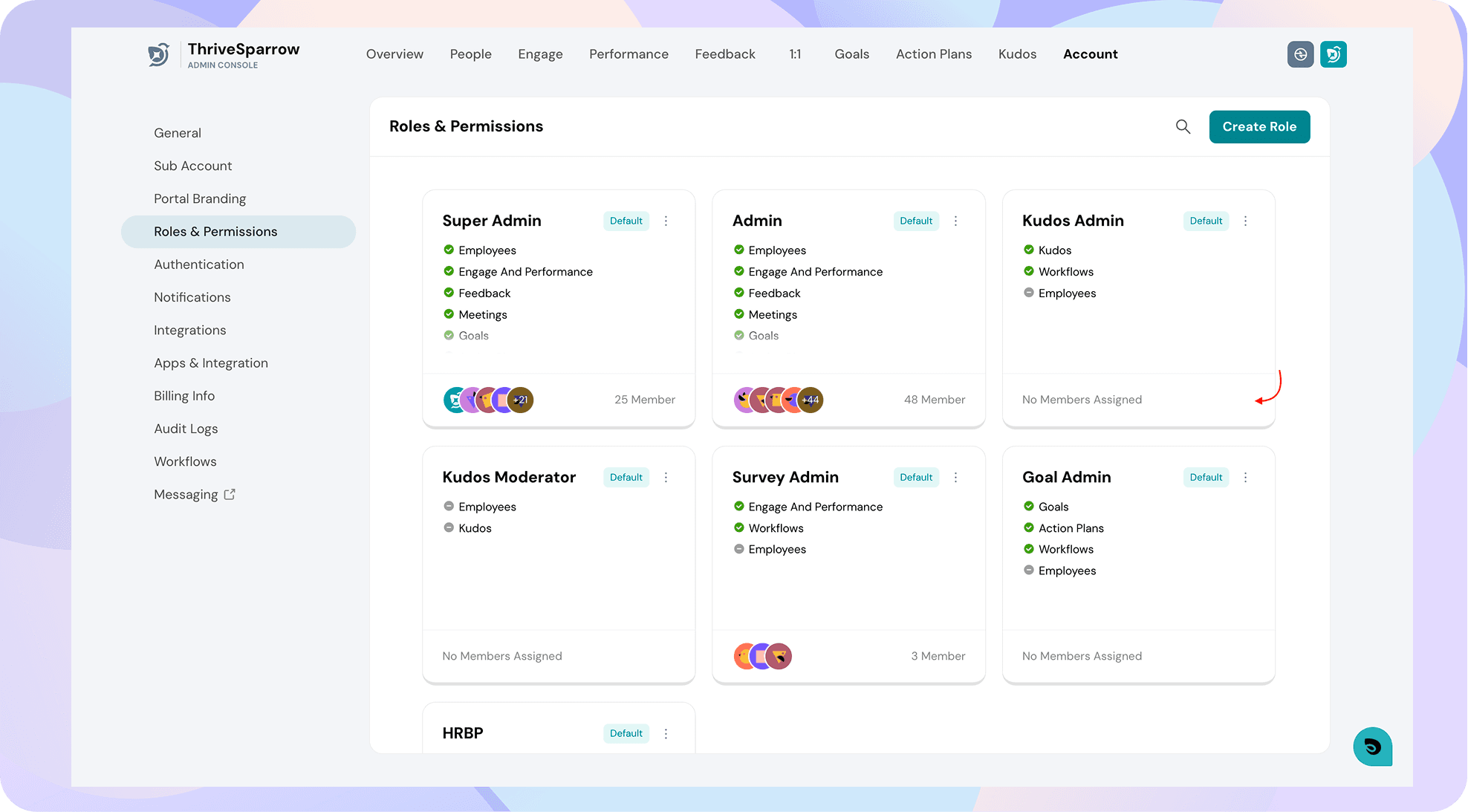
From your admin view, navigate to Account -> Roles & Permissions. The default roles like Super Admin, Admin, and HRBP will already be listed here. Any custom roles created will also be found here.
To understand the various roles and permissions available on the platform, refer to Understanding Roles and Permissions.
To create a custom role, refer to How to create a custom role?
Once you have your desired role in mind, e.g., Kudos Admin, click on the bottom pane underneath it to assign the role to selected employees.
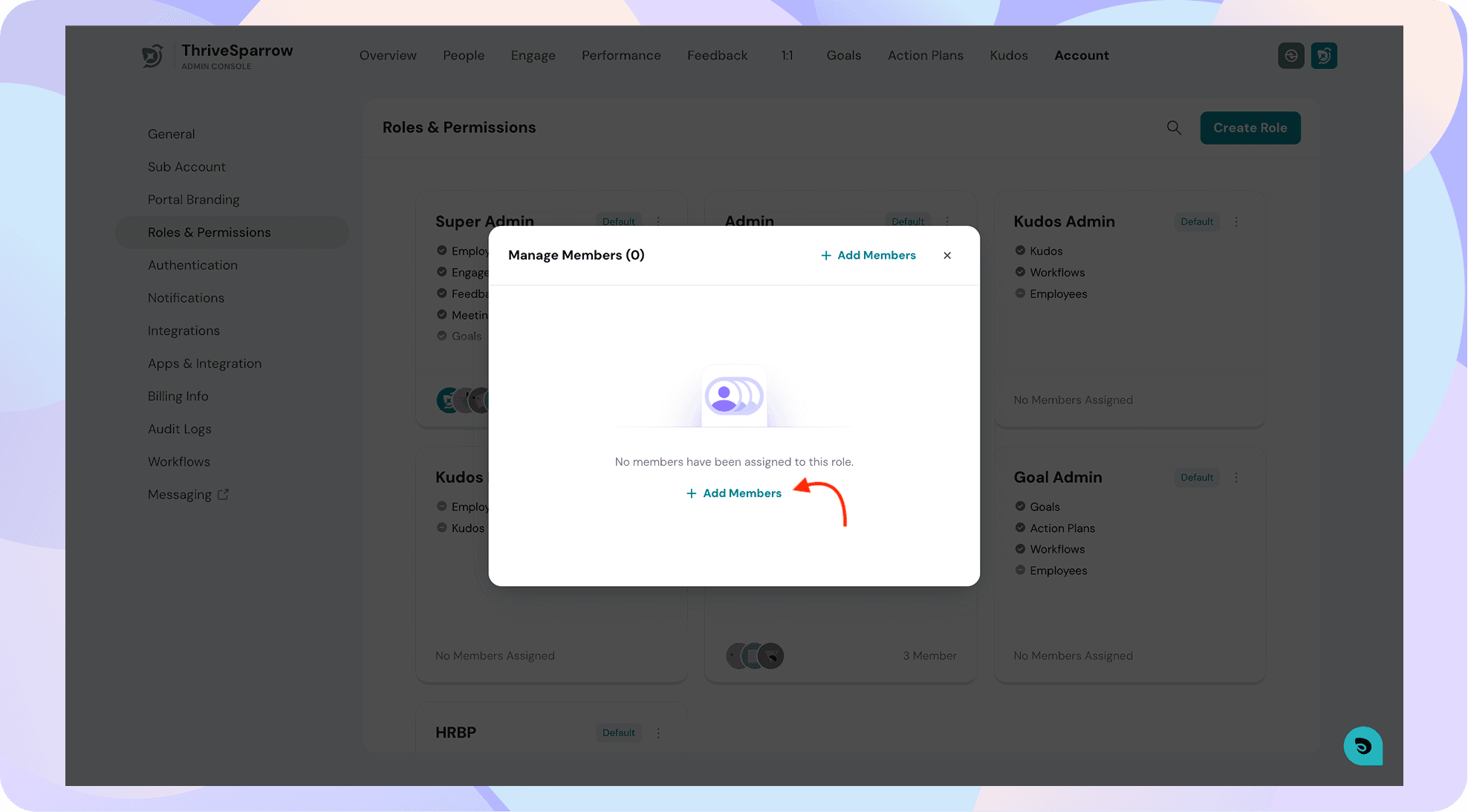
Click on Add members and search for the employees you'd like to add.

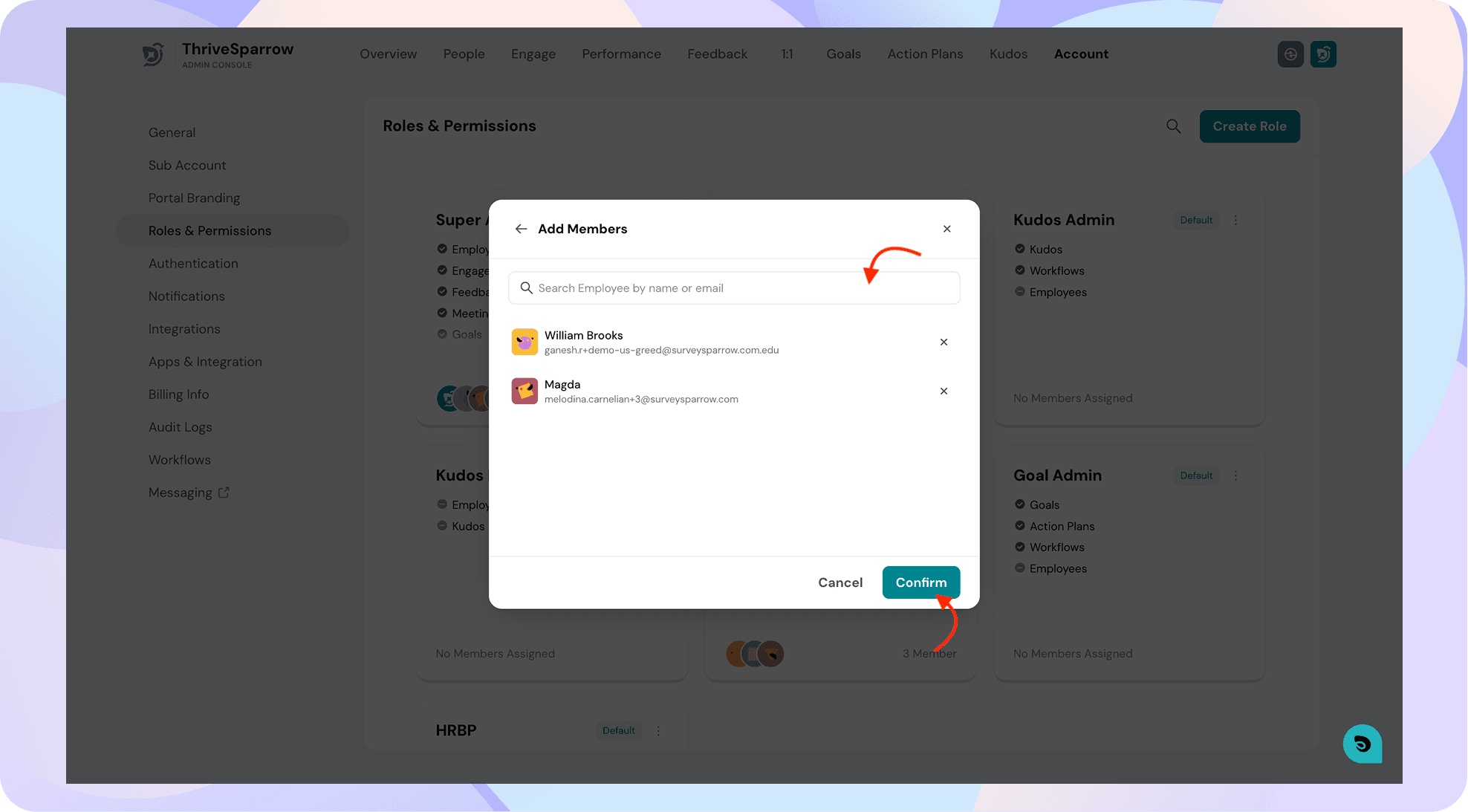
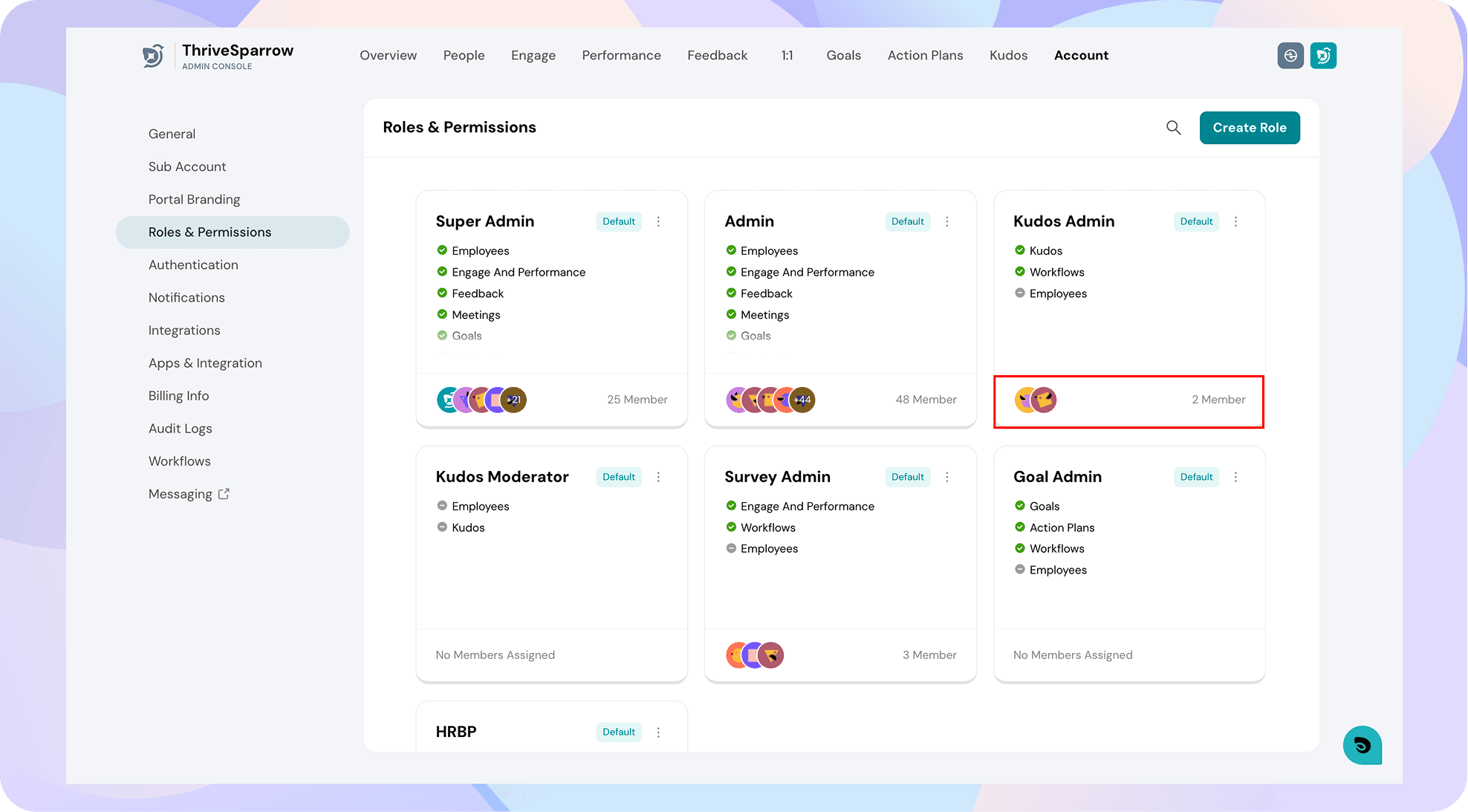
The employees have now been assigned to the role!
Need help setting up your roles? Contact support for assistance.