
Search
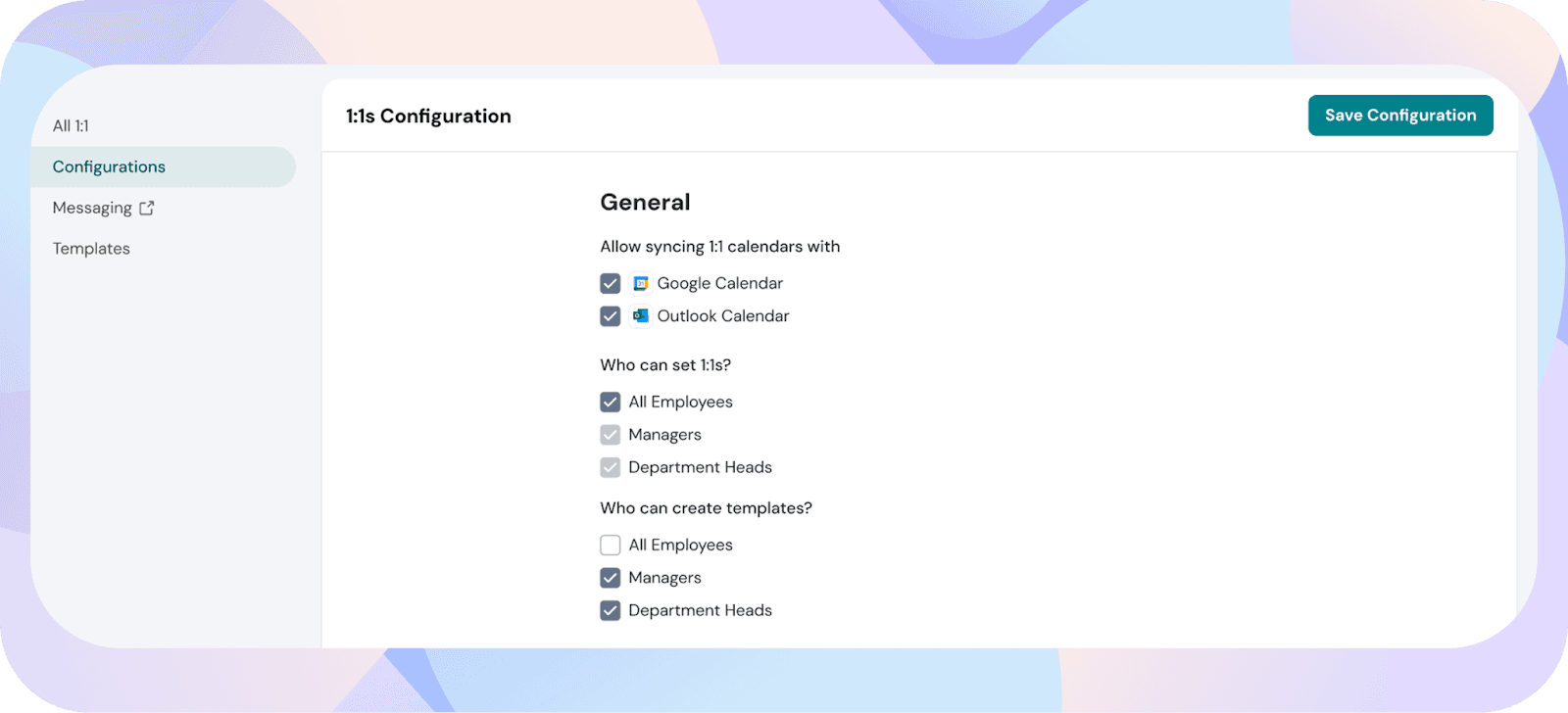
Calendar integrations allow employees to sync their Outlook or Google Calendar with ThriveSparrow so they can import existing meetings or push new 1:1s directly to their calendars.
Admins can manage which calendar types are available for the entire organization.
From the left sidebar, open Admin, then click 1:1 and select Configuration.
2. Enable the calendars you want employees to use
Under Allow syncing 1:1 calendars, toggle on:
Note:
Turning off a calendar type will pause future syncing for employees who have already connected it, but it will not disconnect existing integrations.
A user can connect only one calendar at a time, either Google Calendar or Outlook, not both.
Calendar integration syncs only with the default calendar in the user’s account. Additional calendars will not be synced.
Once enabled, employees can:
Powered By SparrowDesk