
Search
Agenda templates help standardize recurring conversations like weekly check-ins or performance syncs.
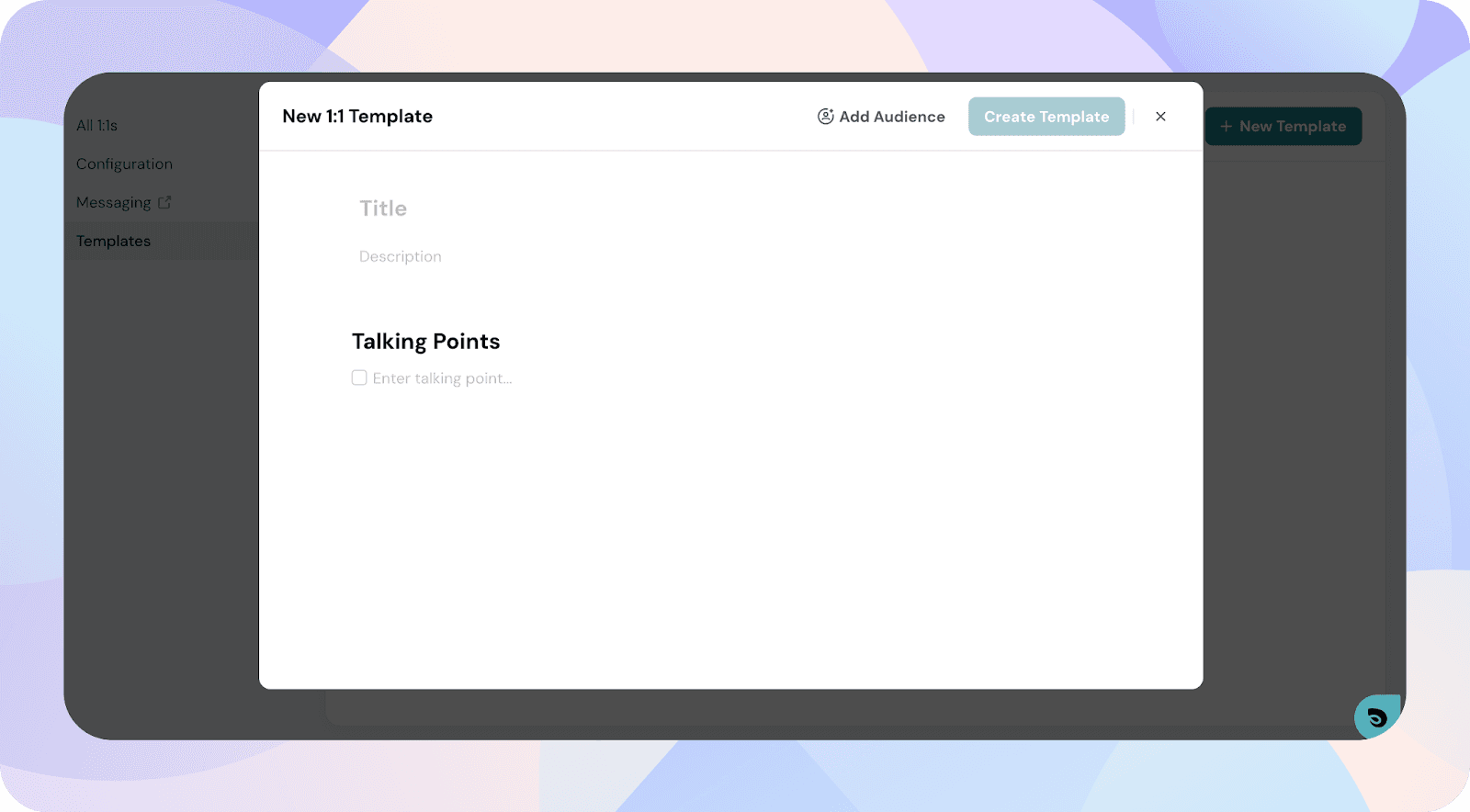
Open the 1:1 module and click Templates in the top navigation.
This opens the template creation form.
You can share the template with specific groups so they can use it in their 1:1s.
Your template will be added to the Templates list.
Powered By SparrowDesk