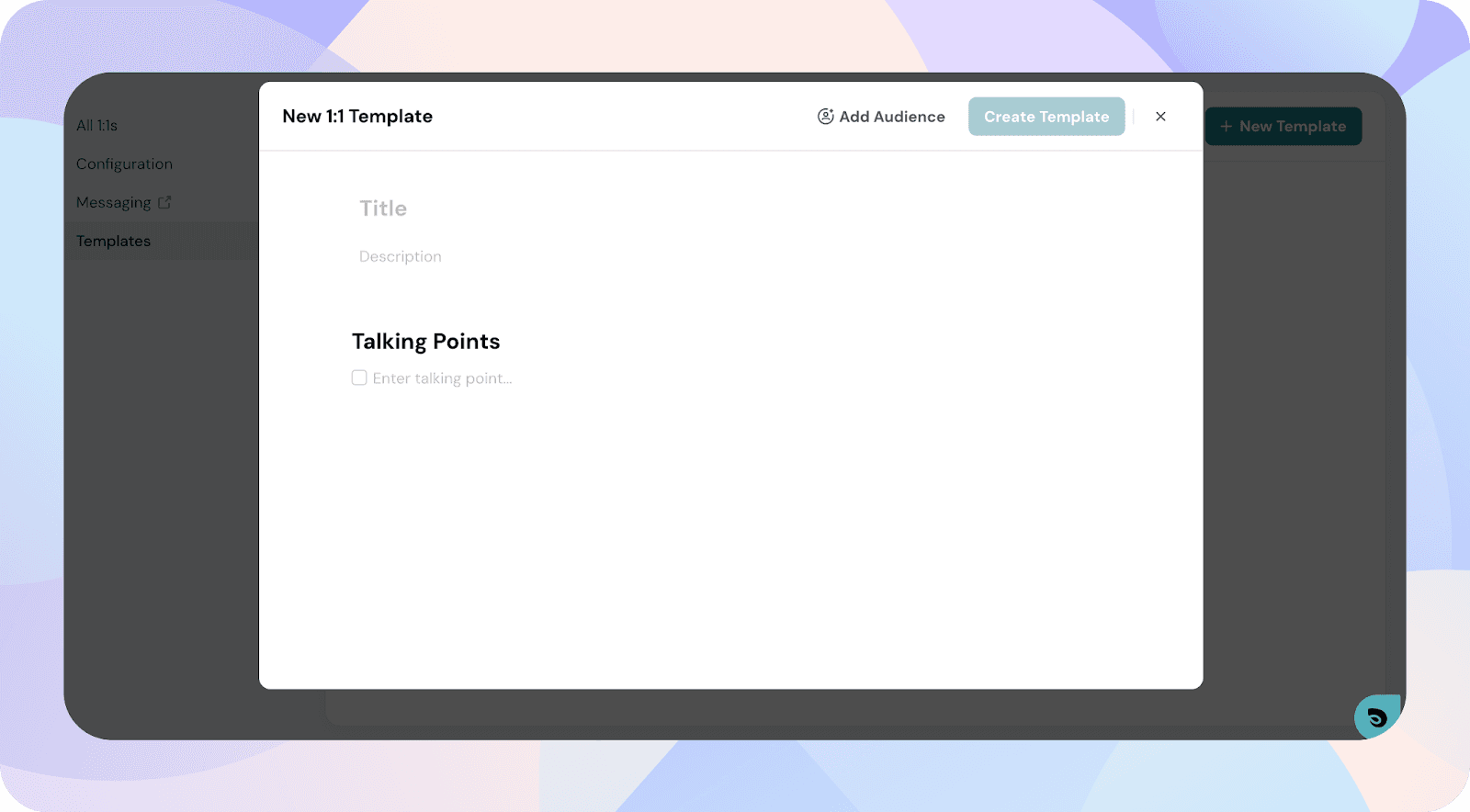
How to create an agenda template as a manager?
Agenda templates help standardize recurring conversations like weekly check-ins or performance syncs.
1. Go to 1:1 → Templates
Open the 1:1 module and click Templates in the top navigation.
2. Click + New Template
This opens the template creation form.
3. Add details
- Title
- Description (optional)
- Talking points for the agenda
4. (Optional) Add an audience
You can share the template with specific groups so they can use it in their 1:1s.
5. Click Create Template
Your template will be added to the Templates list.