How to determine who can create templates?
1. Go to Admin → 1:1 → Configuration
Open Admin from the sidebar, click 1:1, and select Configuration.
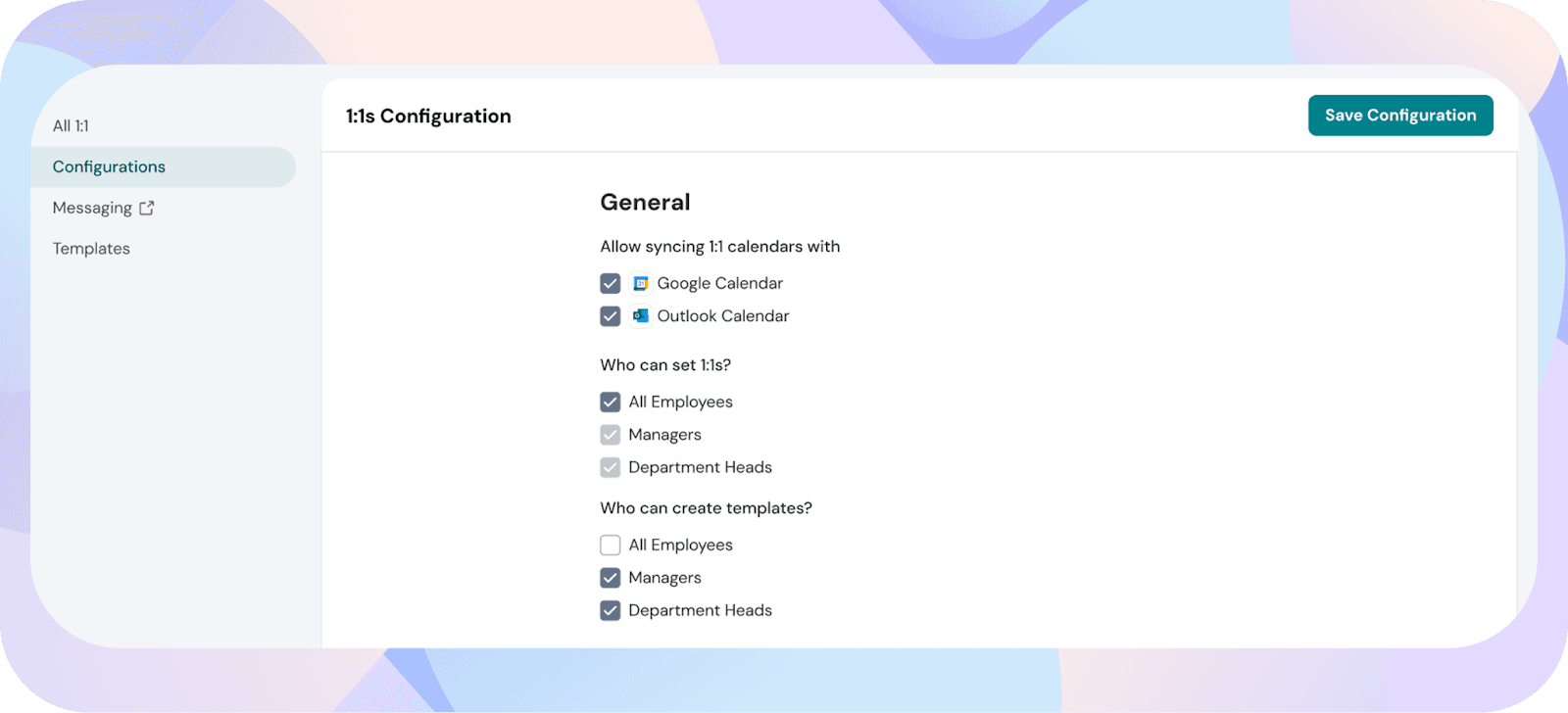
2. Update the “Who can create templates?” setting
Choose who is allowed to create agenda templates:
- All employee
- Managers only
- Department heads only
At least one option must be enabled.