
Introducing the ThriveSparrow mobile app V1.0

The ThriveSparrow mobile app helps employees stay connected, take action, and engage with workplace activities anytime, anywhere.
This app is designed specifically for the employee view, which means admin-level actions are not available. You can use it to participate in surveys, give recognition, track tasks, and stay updated through the home feed.
Upcoming releases will include features such as feedback, one-on-ones, and goals, making it easier to take action directly from your mobile device.
What you can do in the mobile app
With the current version of the app, you can:
- View your home feed and stay updated on team activity
- Give kudos to peers instantly
- Access your assigned evaluations and complete surveys
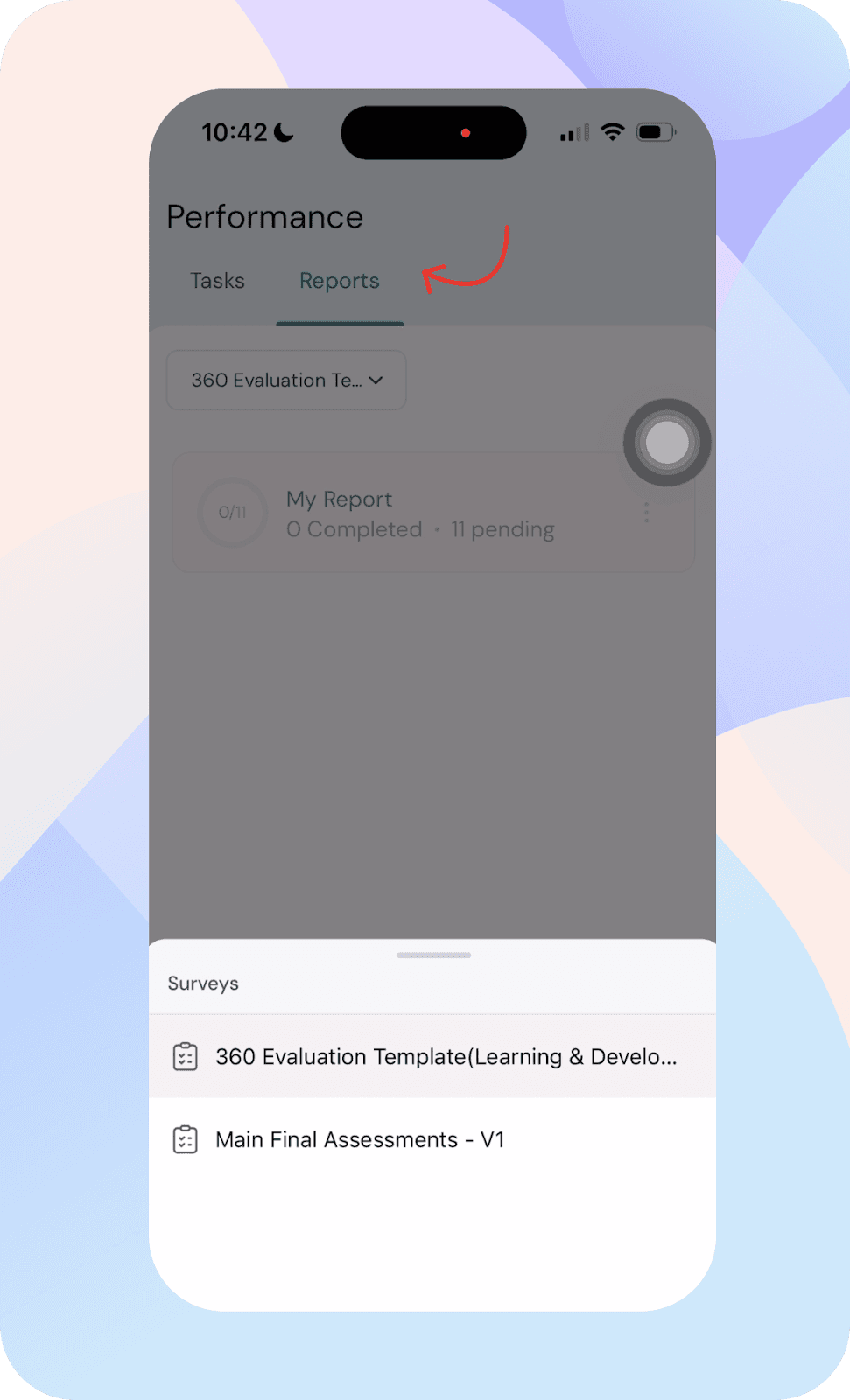
- Access your performance portal, complete evaluations, and view reports
- Explore your profile and search for team members
Getting started with the mobile app
To begin using the app:
- Open the ThriveSparrow mobile app
- Enter your work email address
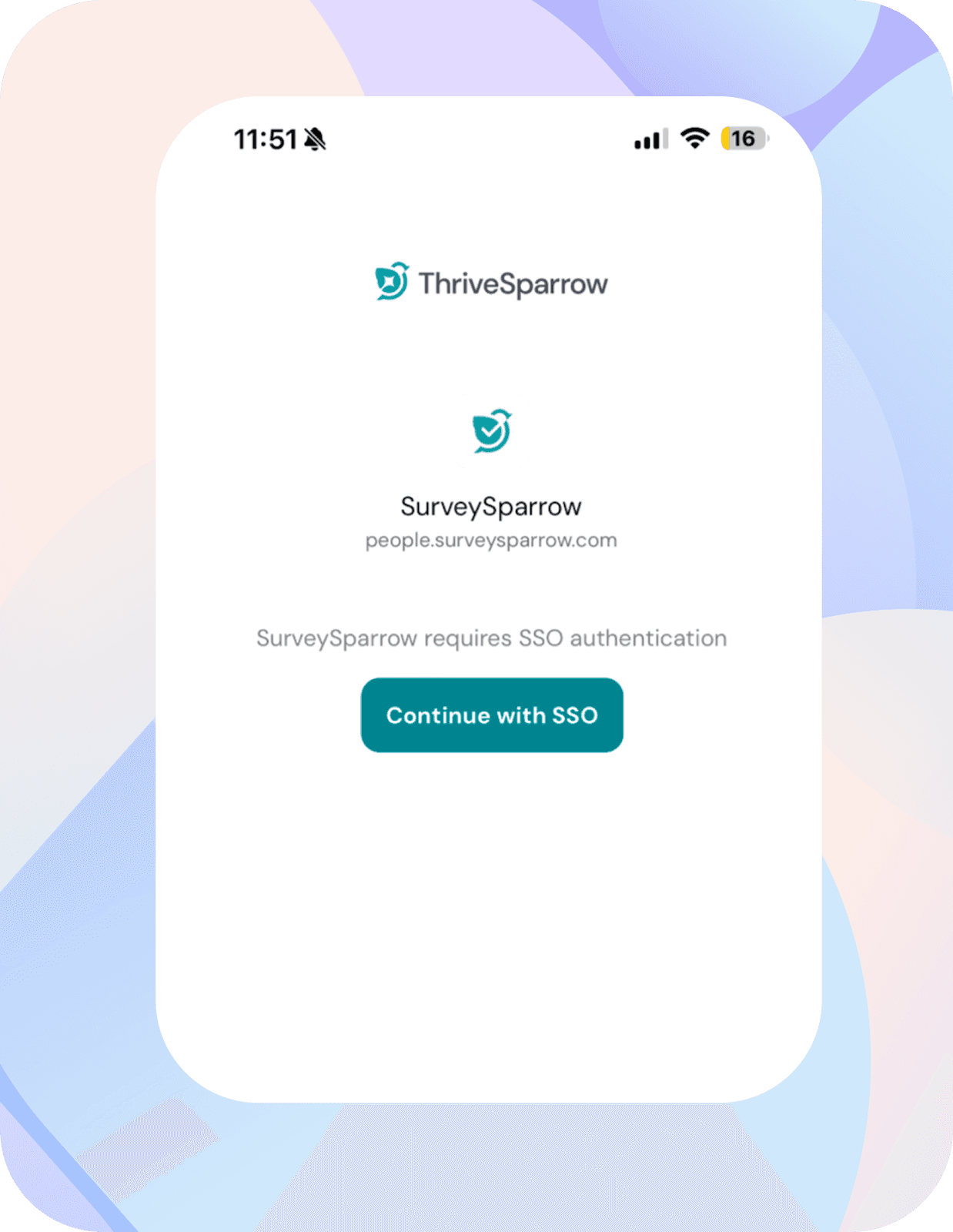
- Select your company account, and if your organization has SSO enabled, you will be prompted to log in via SSO before being redirected to the home page.
Navigating the mobile app
Home feed
The home feed works similarly to the web platform.
You can view posts, recognition updates, and overall activity across your organization. This helps you stay aligned with what’s happening in your team.

Giving kudos
You can give recognition directly from the home feed.
- Tap on the quick action at the top, “Grant Kudos”
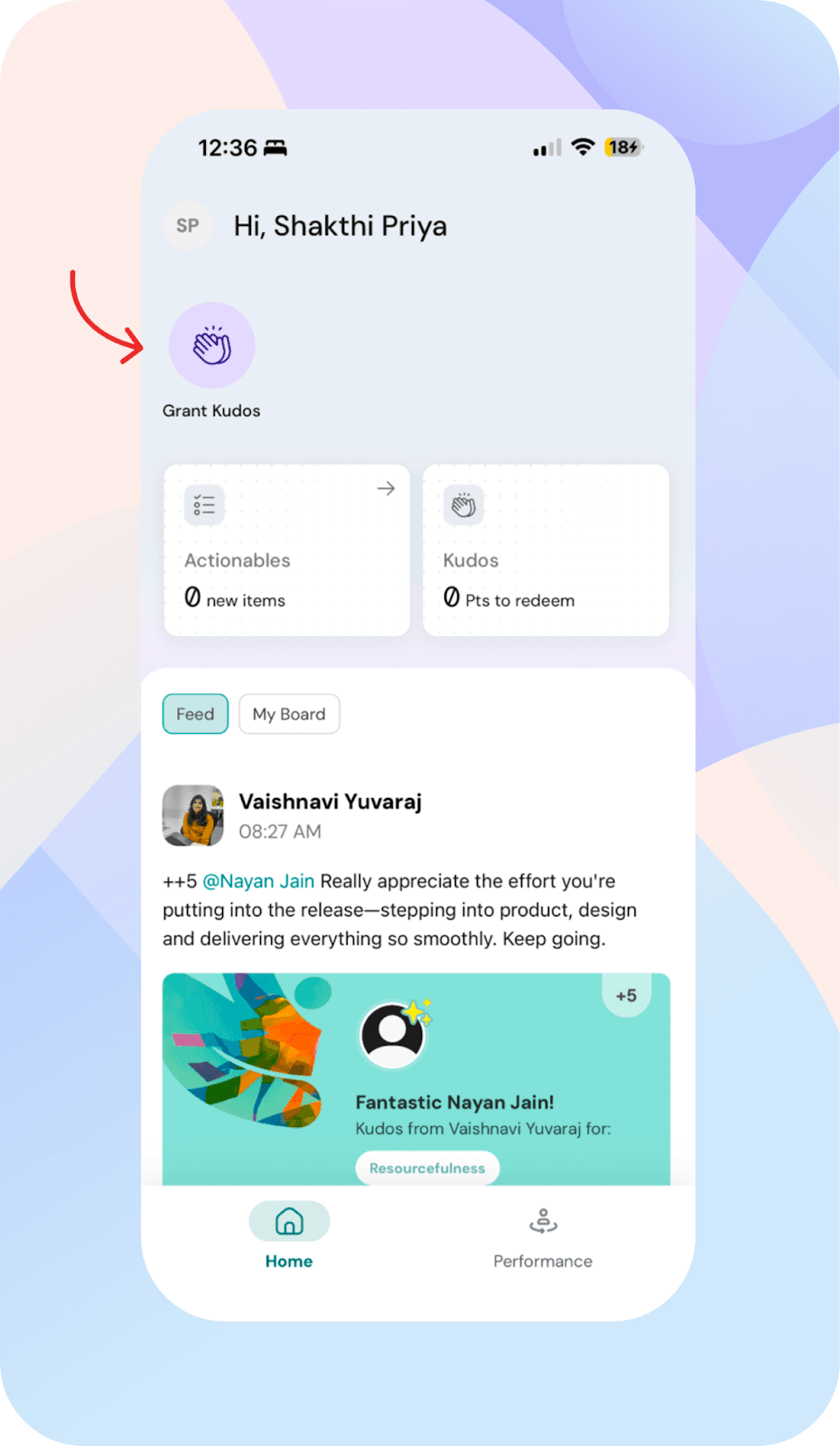
- Select the employee. You also have the option to choose from teams and departments. Add your message and send kudos.
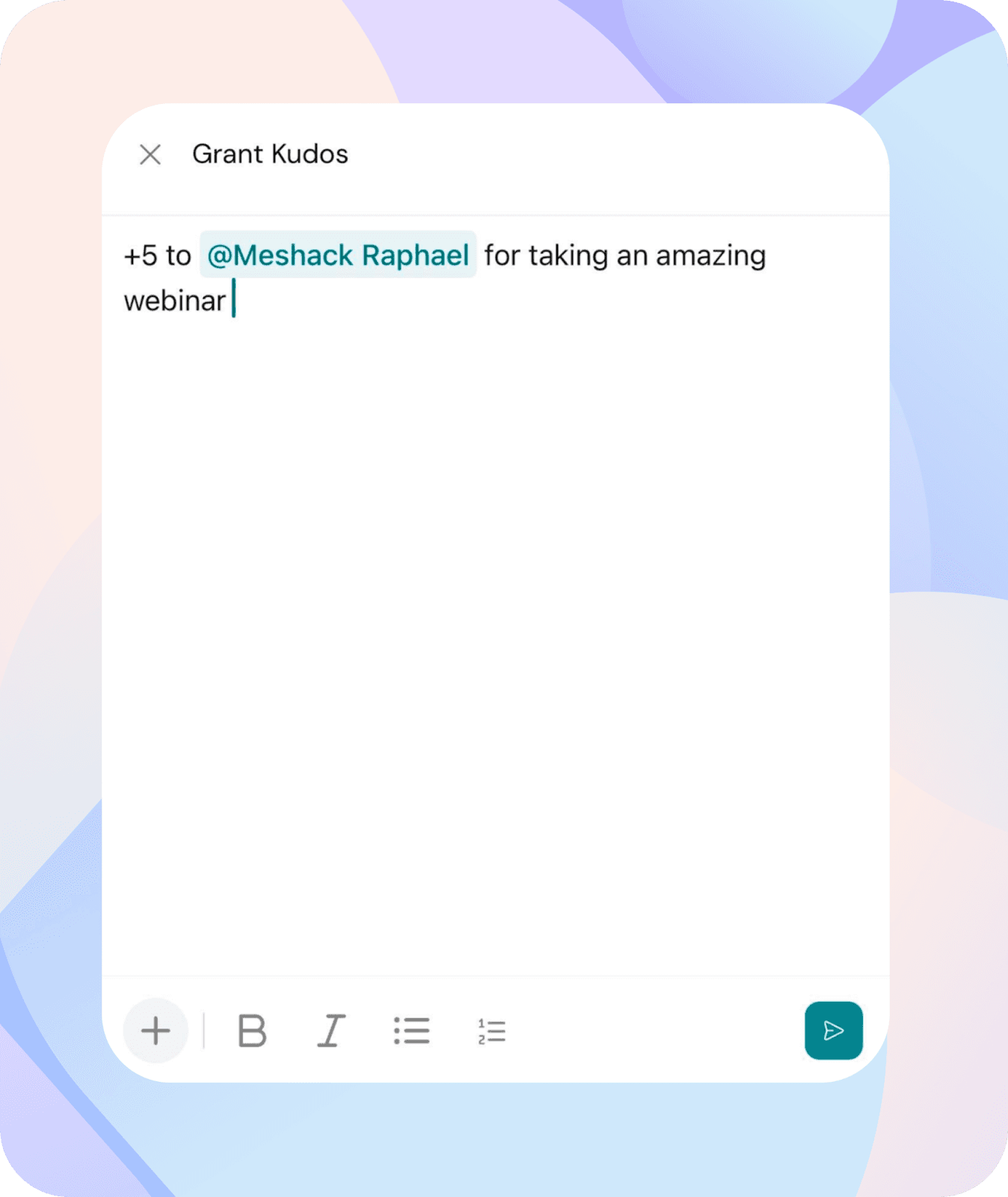
This makes it easy to recognize contributions without navigating across multiple screens.
My board
Within the home feed, you will find a section called My Board.
This section gives you a quick overview of your activity.
Currently, it includes Kudos-related widgets
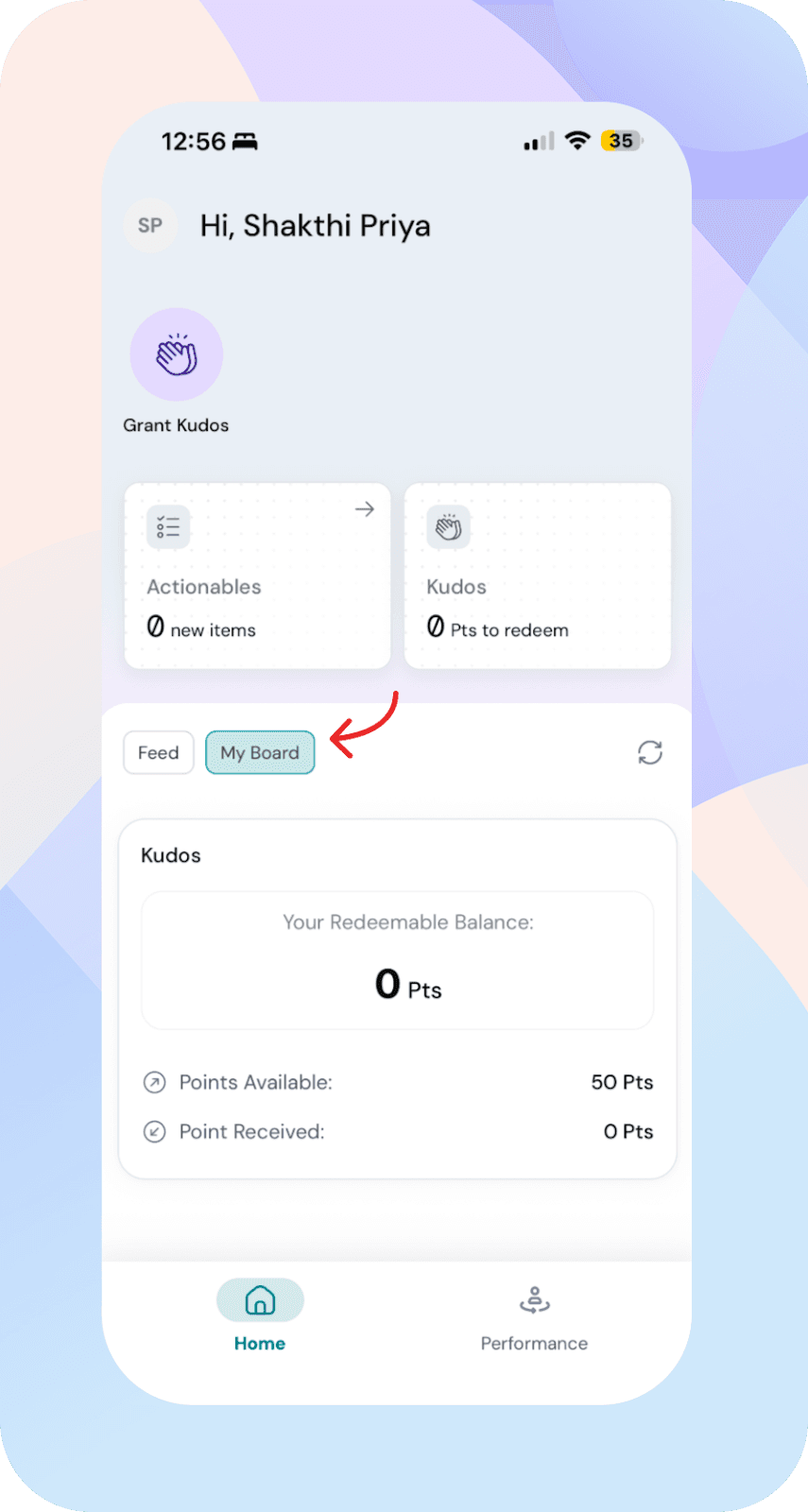
If your organization has disabled the home feed, you will land directly on My Board.
Performance portal
The performance portal helps you manage all your assigned tasks in one place.
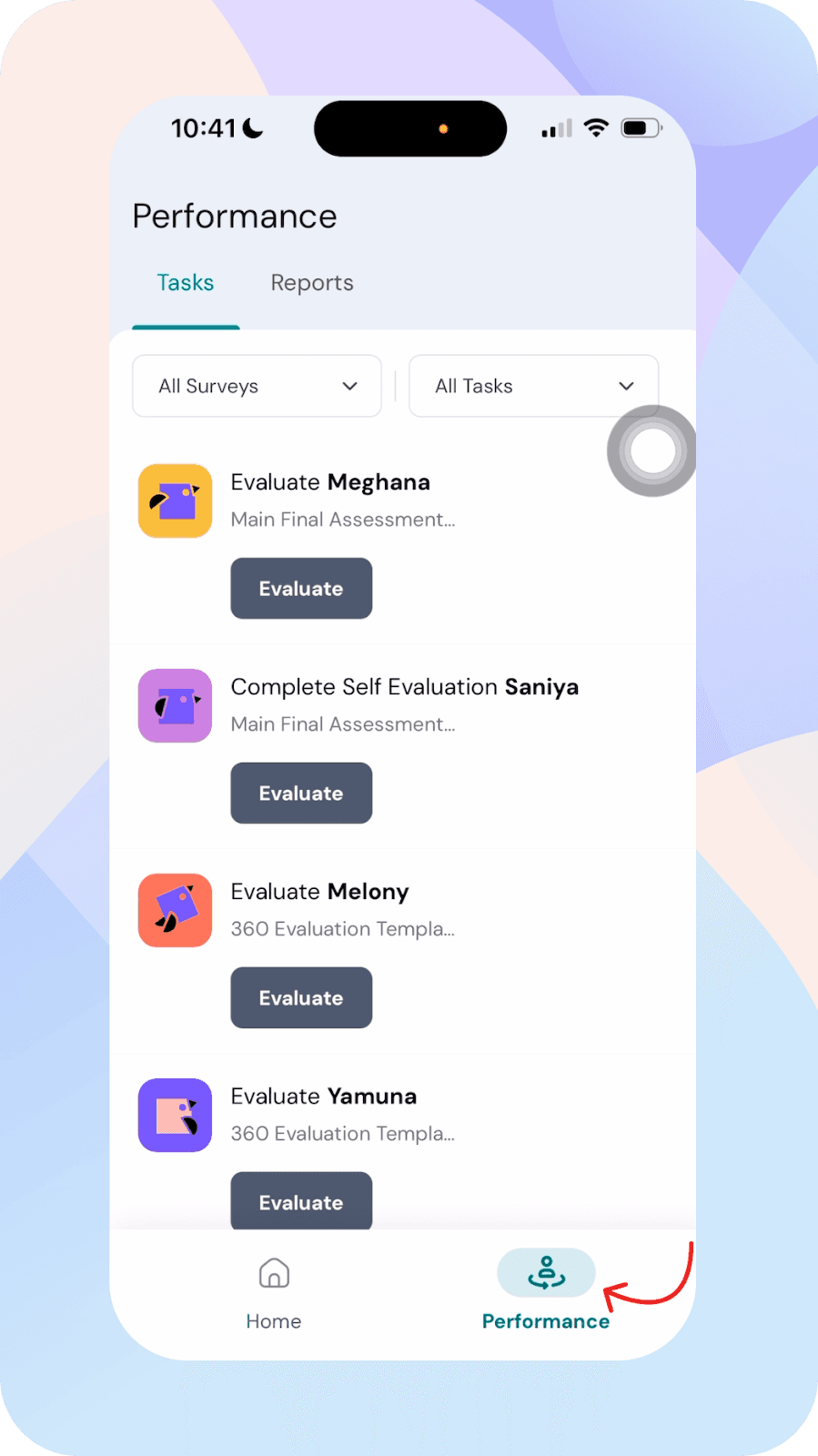
Tasks are segmented by surveys and task types, making it easier to navigate and manage evaluations.

Completing surveys and evaluations
You can complete your evaluations directly within the app.
- Open an evaluation from the performance portal
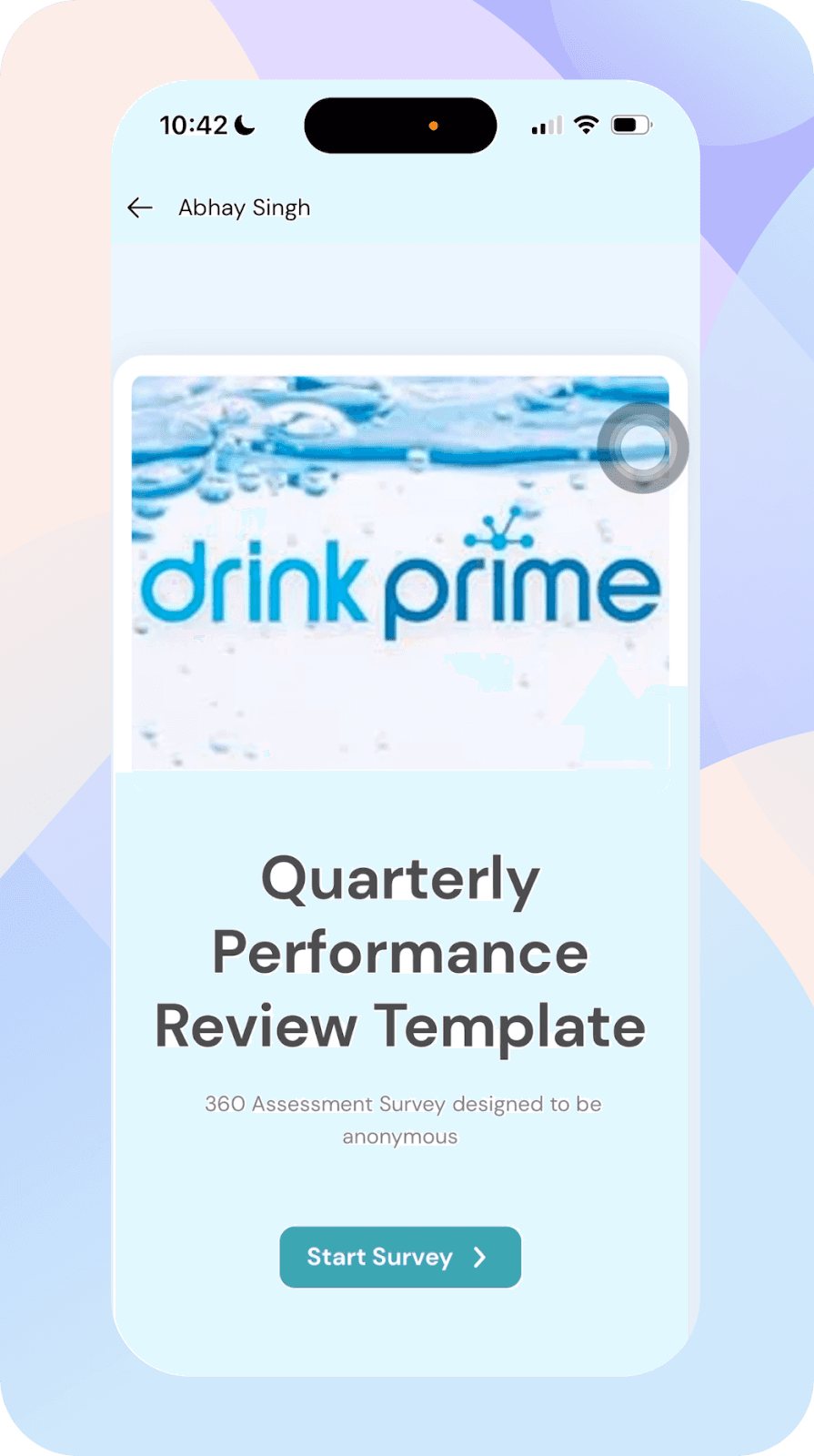
- Fill out the survey and submit your responses
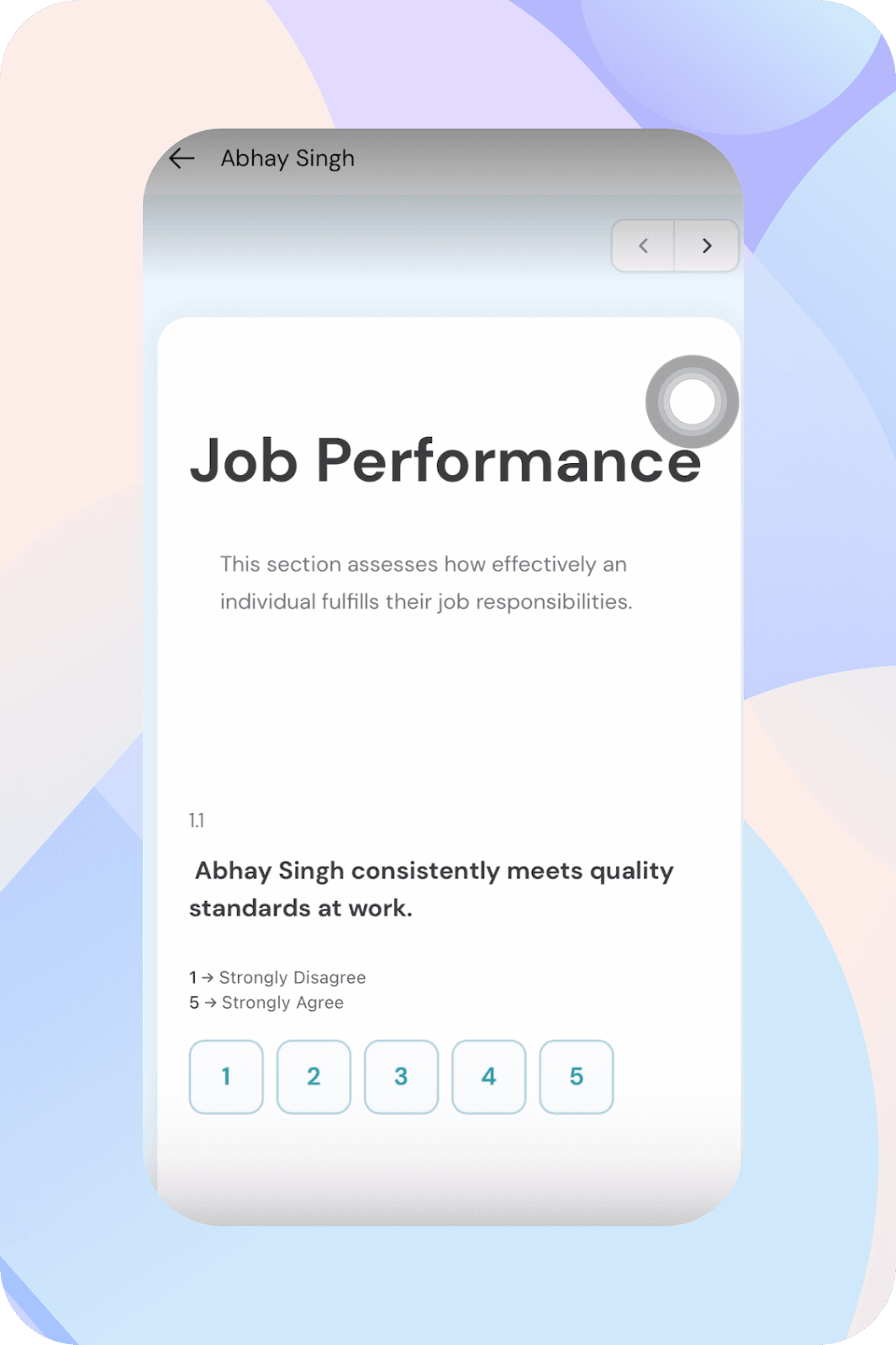
The survey experience is optimized for mobile and follows the same structure as the web version.
- You can also view your subject reports directly within the app.
Taking up engagement surveys from Actionables
You can access and complete your engagement surveys directly from the Actionables section.
- Navigate to Actionables from the home screen
- View your assigned engagement surveys
- Open the survey
- Submit your responses
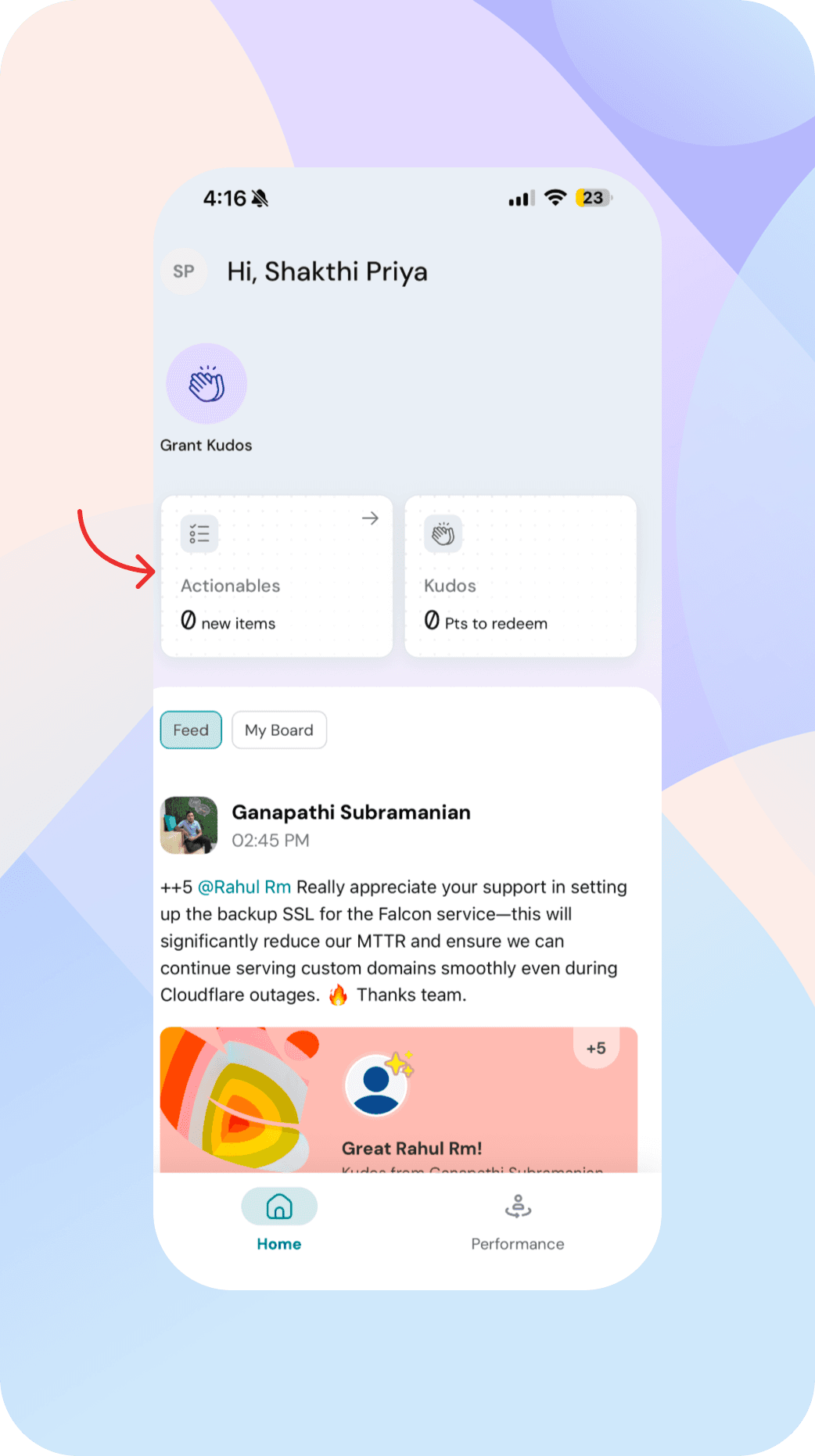
This allows you to quickly respond to surveys without navigating through multiple modules.
Profile and people directory
You can access your profile and explore your organization.
- View your profile details as available in the people directory
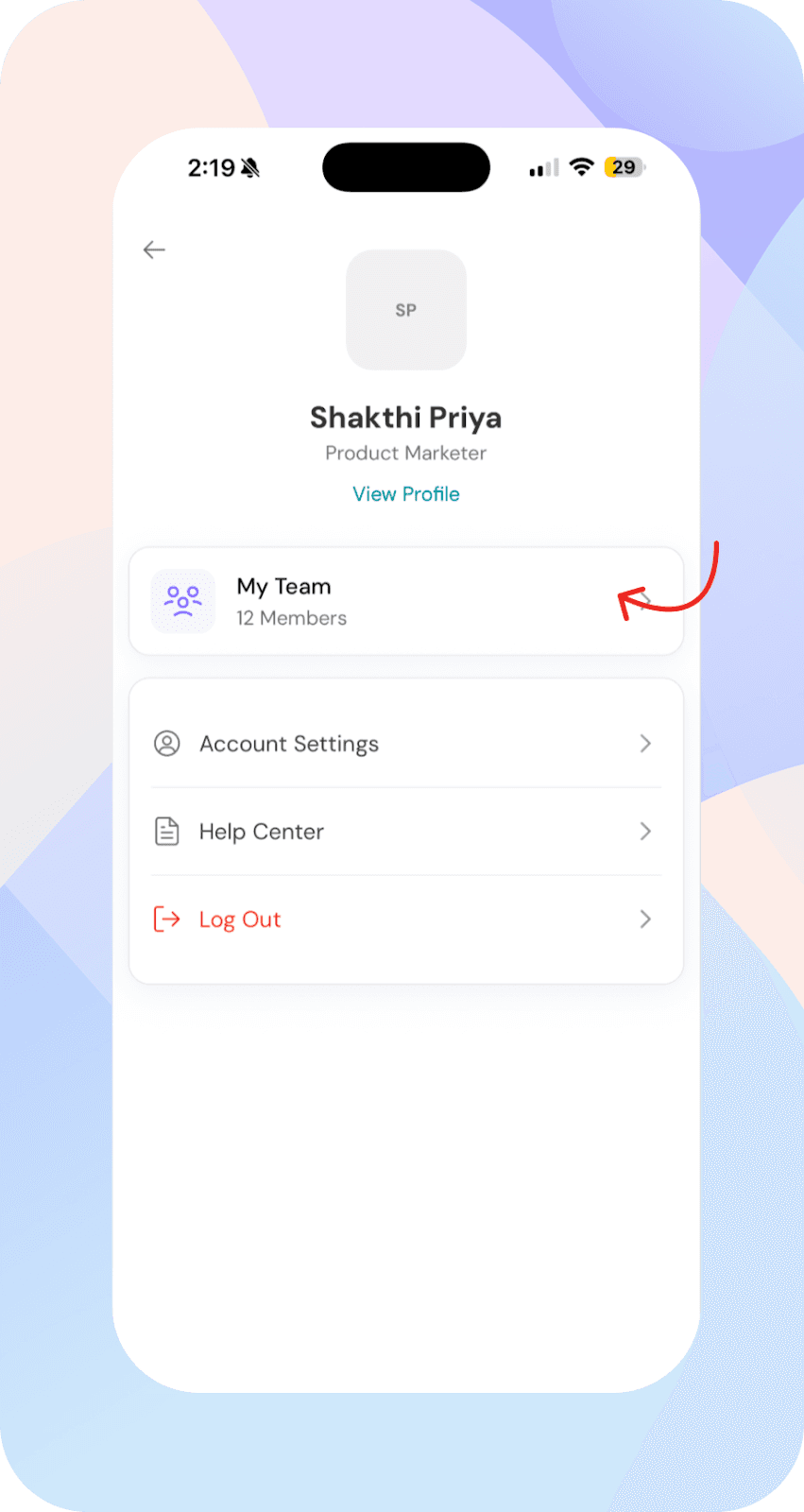
- Search for peers or department members
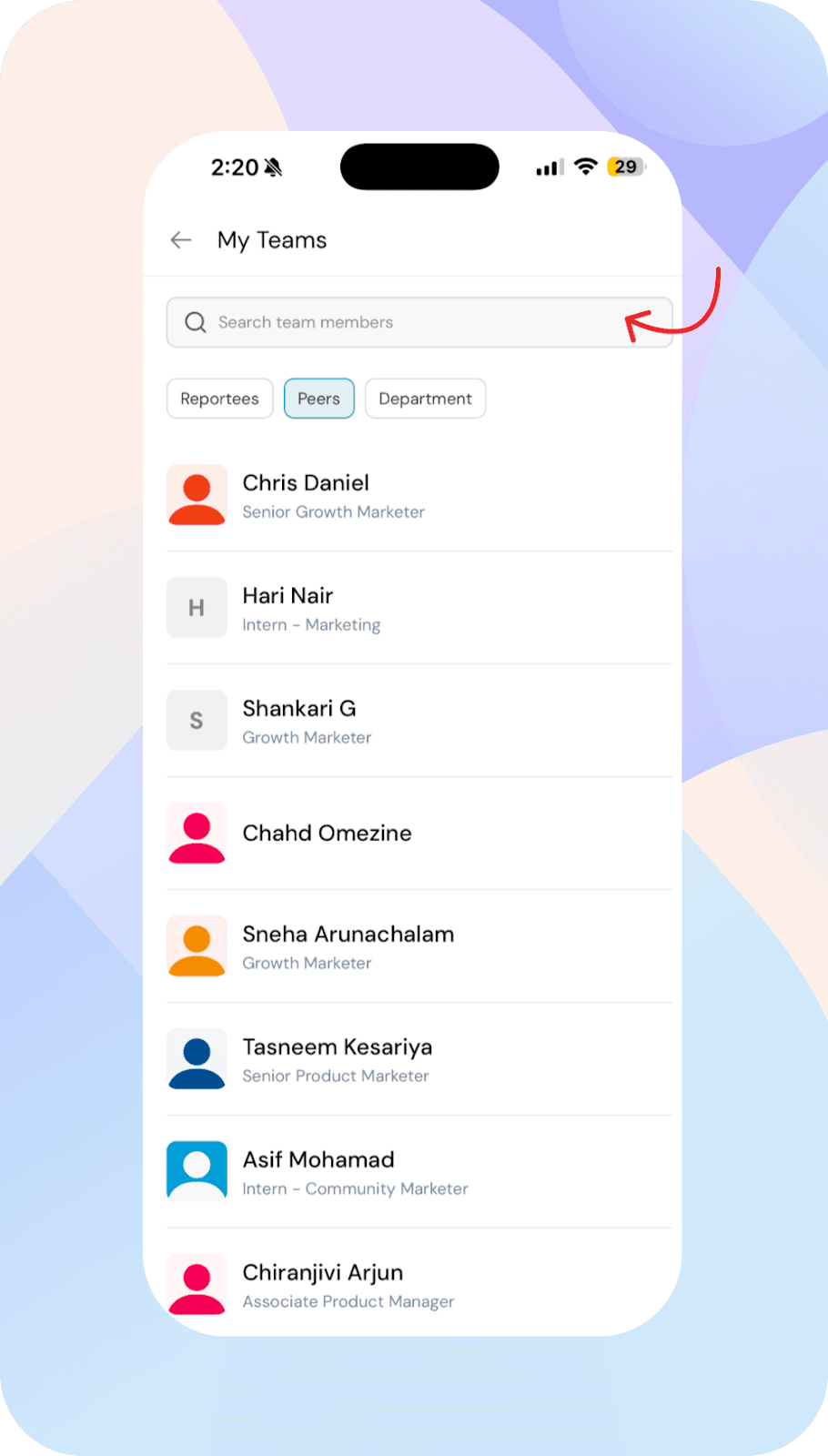
- Access quick actions for each person

This makes it easier to connect, take actions, and respond to engagement surveys without leaving the app.
What’s coming next
The mobile app will include additional features such as:
Feedback
One-on-ones
Goals
Quick actions will expand to support these modules, making it easier to take actions directly from the home screen.
Additional information
SSO-based login is supported, allowing you to securely access your account.
FAQs
Who can use the mobile app?
The mobile app is designed for employees. Admin-level actions are not available in the current version.
Can I complete surveys on the app?
Yes, you can complete surveys and evaluations directly within the app.
Will more features be added?
Yes, features like feedback, one-on-ones, and goals will be added in upcoming releases.
What happens if my organization doesn’t have the feed enabled?
You will land directly on My Board instead of the home feed.
Does the app support SSO login?
Yes, SSO-based login is supported for secure access.