ThriveSparrow offers three different views to help you visualize and manage goals in a way that works best for you. Each view allows you to search, filter, and drill down into details — whether you’re in My Goals, Team Goals, Department Goals, or Company Goals.
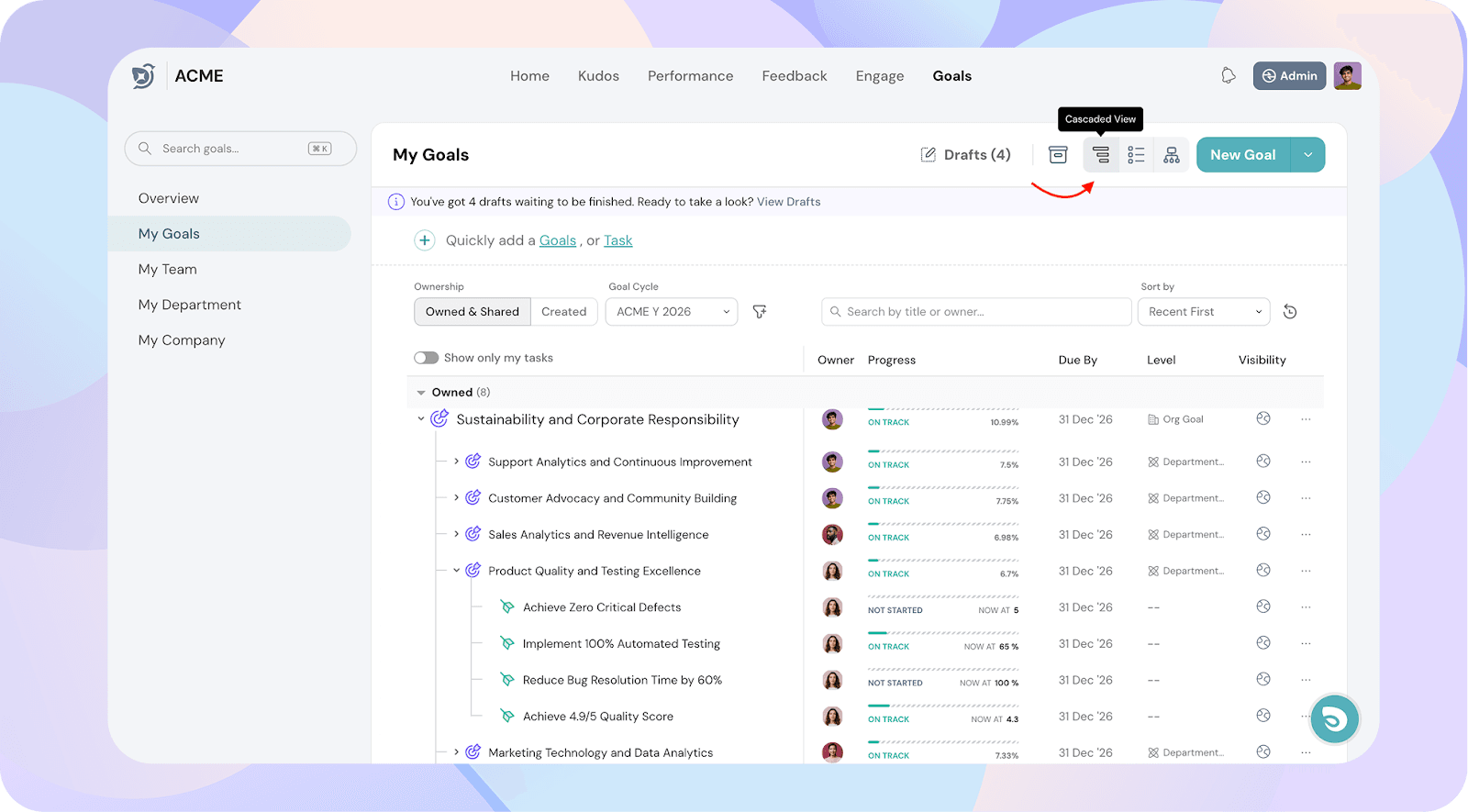
1. Cascaded View
Shows your goal, its corresponding supporting goals, and tasks in a cascading format.
As you expand each level, you can keep exploring supporting goals and tasks linked to them.
Useful for understanding goal dependencies and how each task contributes to the bigger picture.
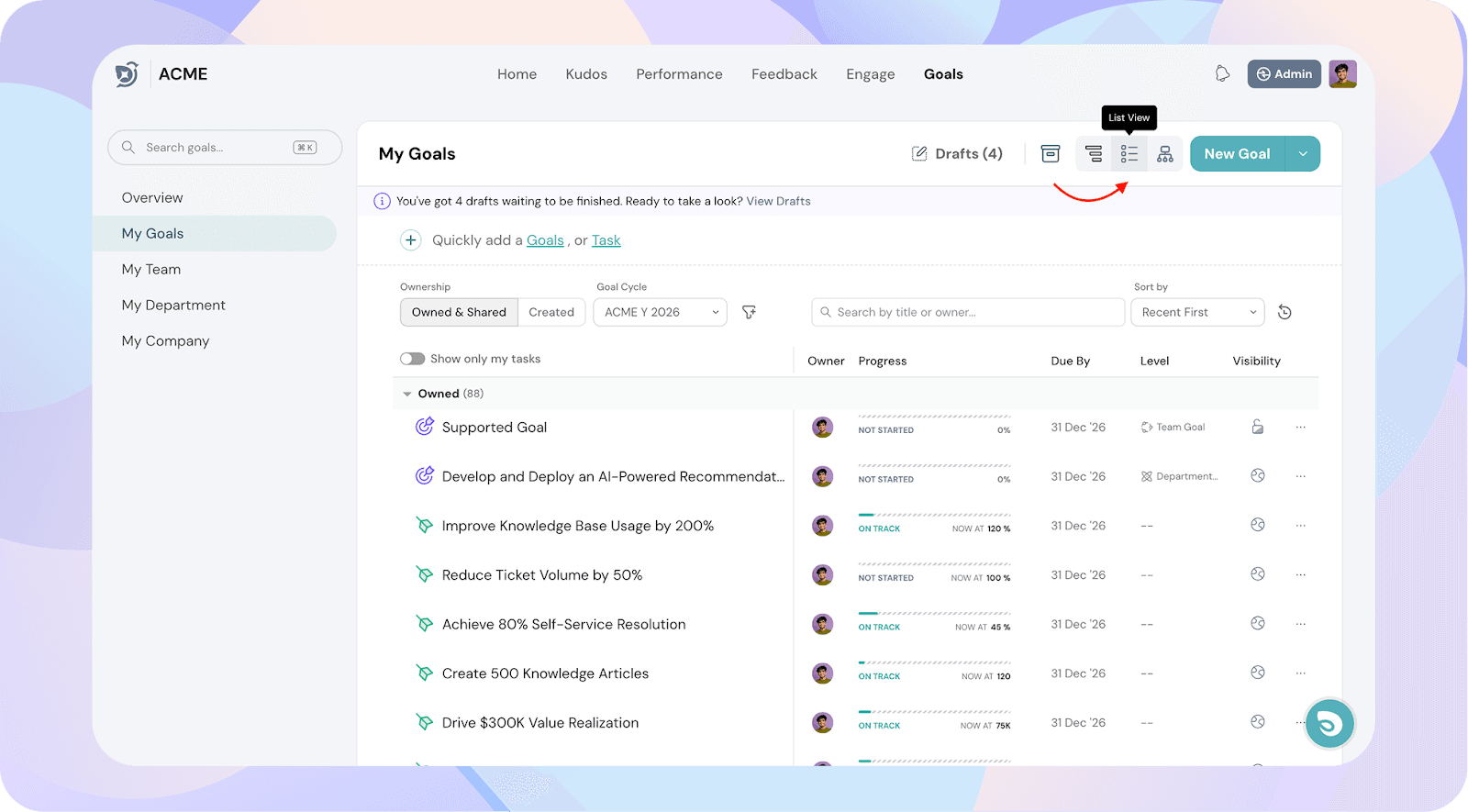
2. List View
Displays all goals, supporting goals, and tasks in a single list format.
Makes it easy to scan and update multiple goals quickly.
Ideal for bulk edits or quick progress checks.
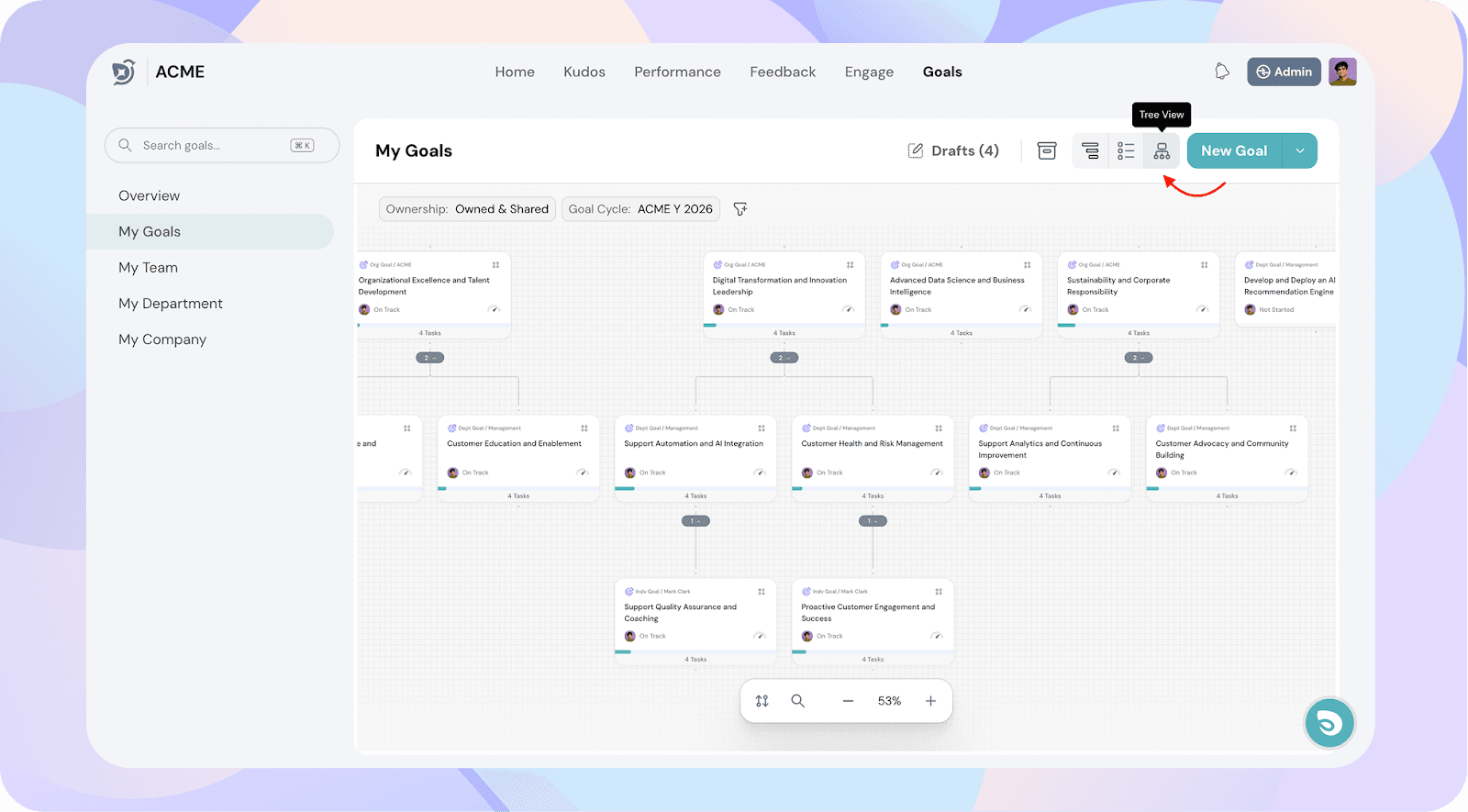
3. Tree View
Presents goals and supporting goals in a hierarchical tree structure.
Gives you a one-picture view of how all goals are connected and progressing.
Perfect for identifying alignment across different goal levels.
Common Features Across All Views
No matter which view you choose, you can:
Search for any goal by title or owner.
Apply filters such as:
Goal Cycle
Reportee Type (Direct, Indirect, All)
Group By (Employees, Departments, Goals)
Sort By (Progress, At Risk, Not Started, etc.)
Navigate between My Goals, Team Goals, Department Goals, and Company Goals.
Tip: Use Cascaded View for understanding relationships, List View for quick reviews, and Tree View for big-picture alignment.