Aligning a parent goal ensures that your team or individual goals contribute to higher-level organizational objectives. ThriveSparrow provides multiple ways to align goals, whether it’s to an org-level goal or another parent goal.
Aligning a Goal to a Parent or Org-Level Goal
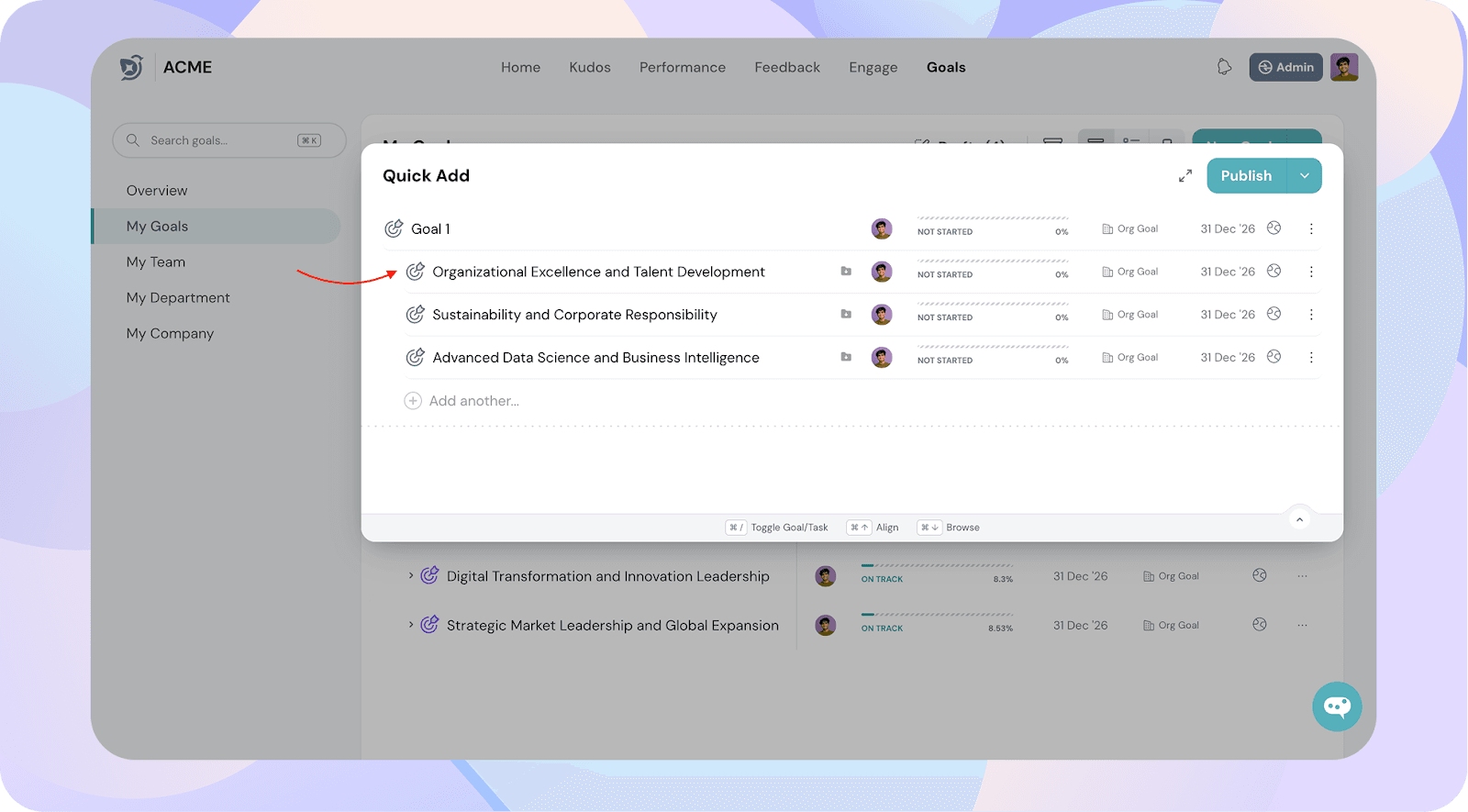
Navigate to Goals → My Goals → Quickly add goals and create goals.
Hover over the goal you want to align and click the Align icon.
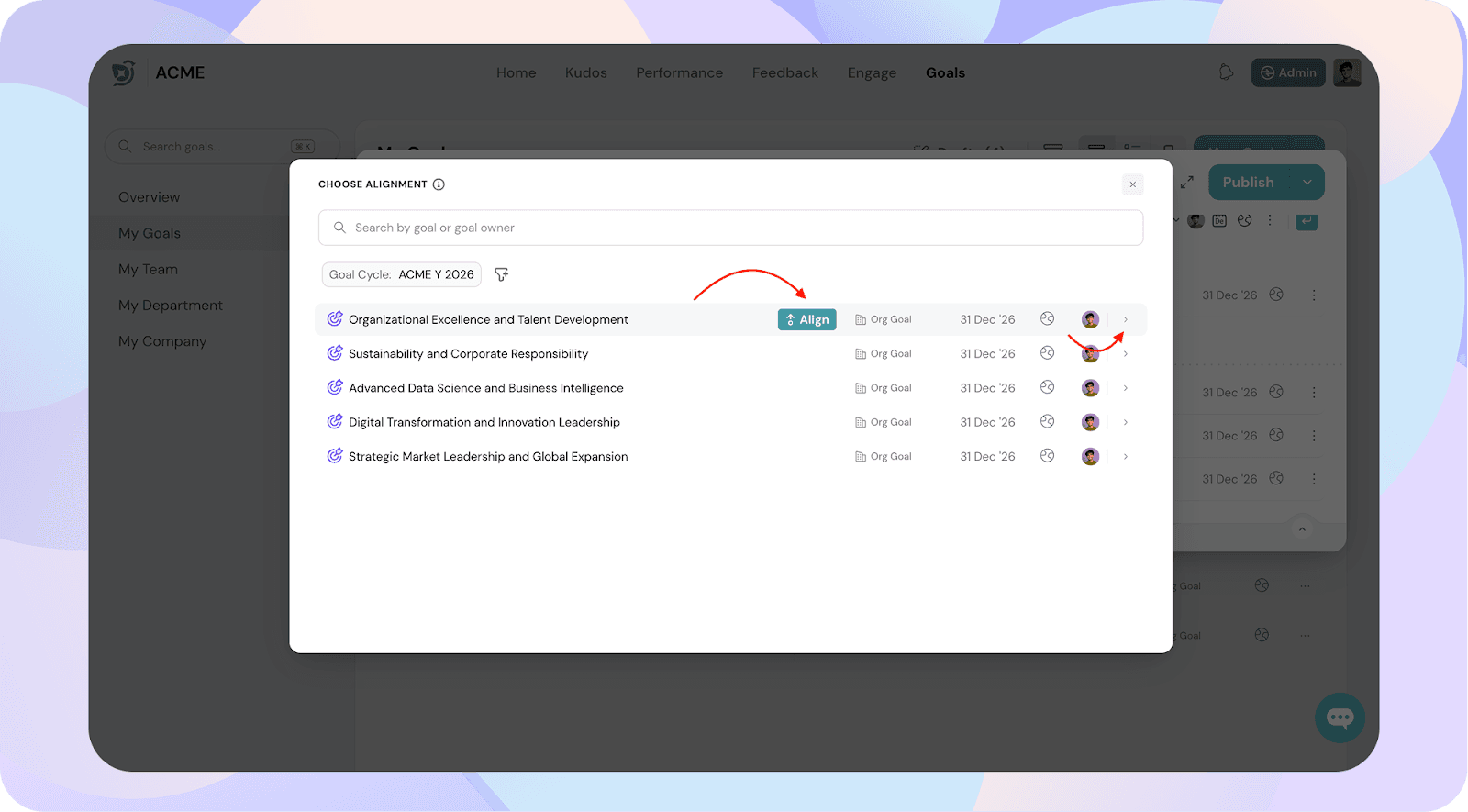
You will be redirected to your Goals List.
Click Align next to the goal you want to link as the parent goal.
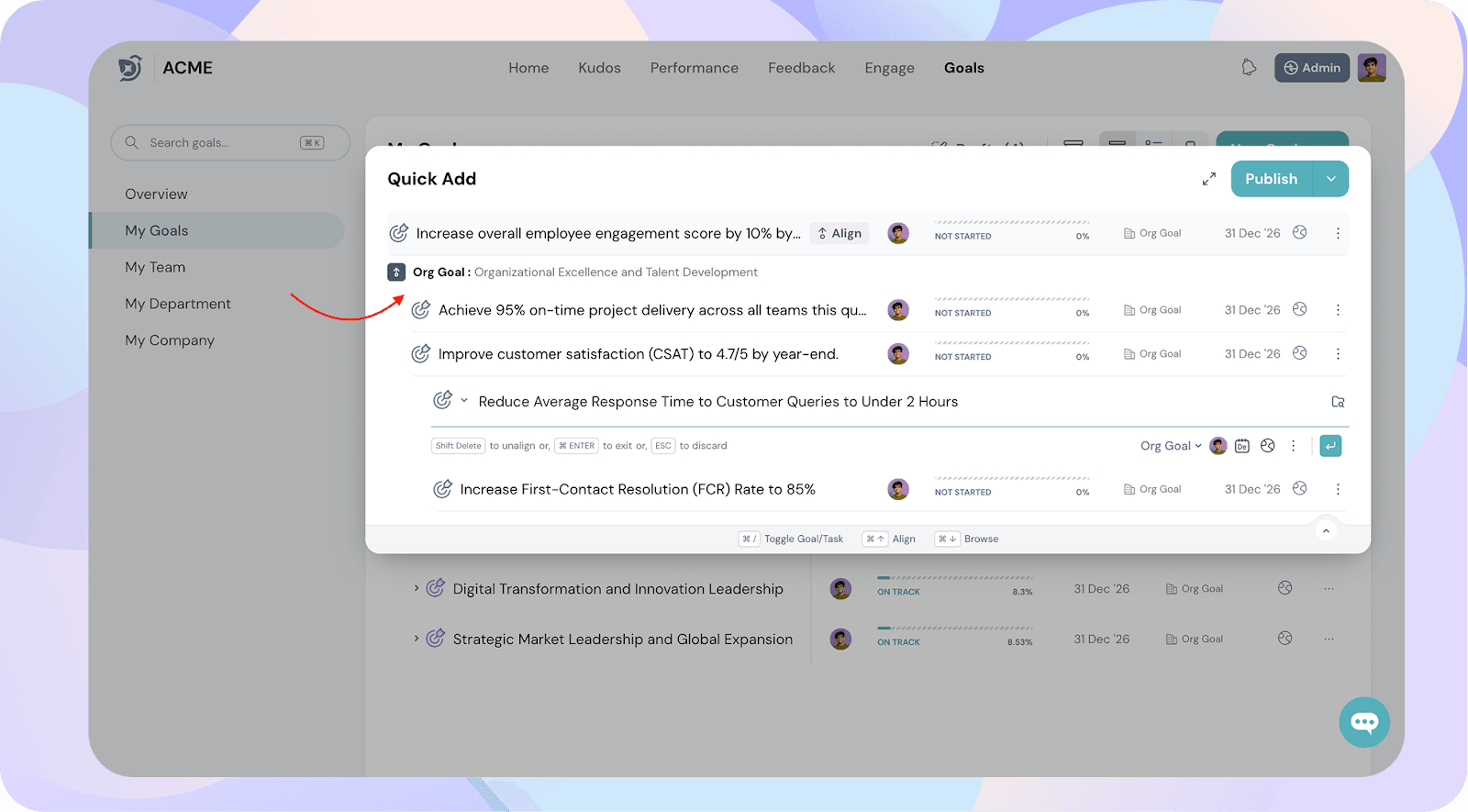
Once aligned:
The selected goal will appear under the parent or org goal.
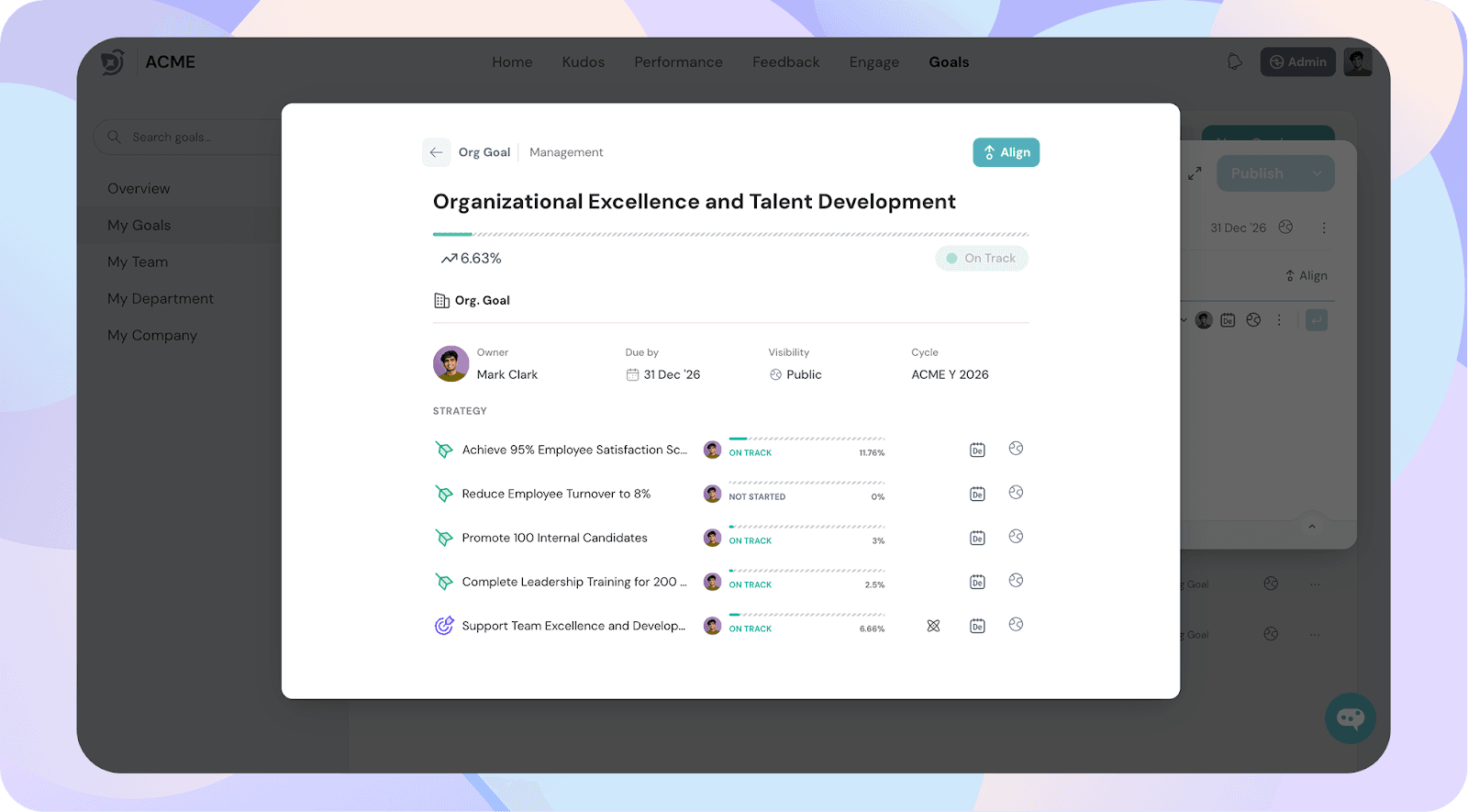
Double Clicking on the parent goal will also display the goals in detail.
Once aligned, you will be able to see the aligned goals which are aligned to Org goal here in the example.
Tip: To align more goals to the same parent goal, repeat the process for each additional goal.
Another way to align goals is by using Supporting Goals: