
Search
Admins can control who in the organization is allowed to schedule new 1:1 meetings. This helps determine whether 1:1s are driven at an admin level or delegated to managers.
It is recommended to stick to the default setting unless you prefer managers to lead 1:1 conversations.
1. Go to Admin → 1:1 → Configuration
From the left sidebar, open Admin, then click 1:1 and select Configuration.
2. Find the “Who can set 1:1s?” setting
Under the configuration options, look for Who can set 1:1s?
You can choose one of the following:
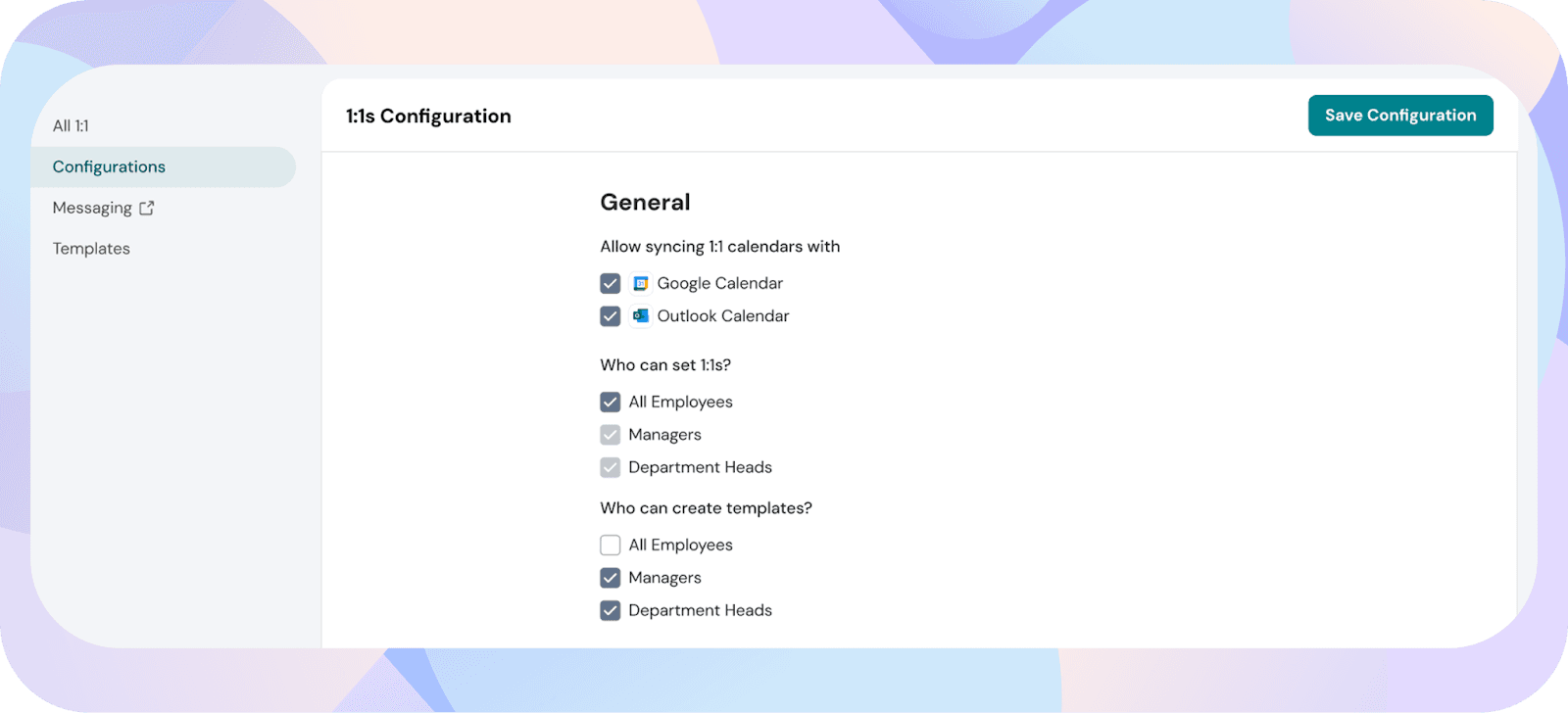
Once updated, only the selected roles will see the option to schedule new 1:1s in their workspace.
Powered By SparrowDesk