
Search

Data issues are the missing items in employee records, and can occasionally occur in your organization's employee directory. ThriveSparrow makes it easy to identify and resolve these issues. Here's a simple guide on how to manage data issues:
Access the People Module:
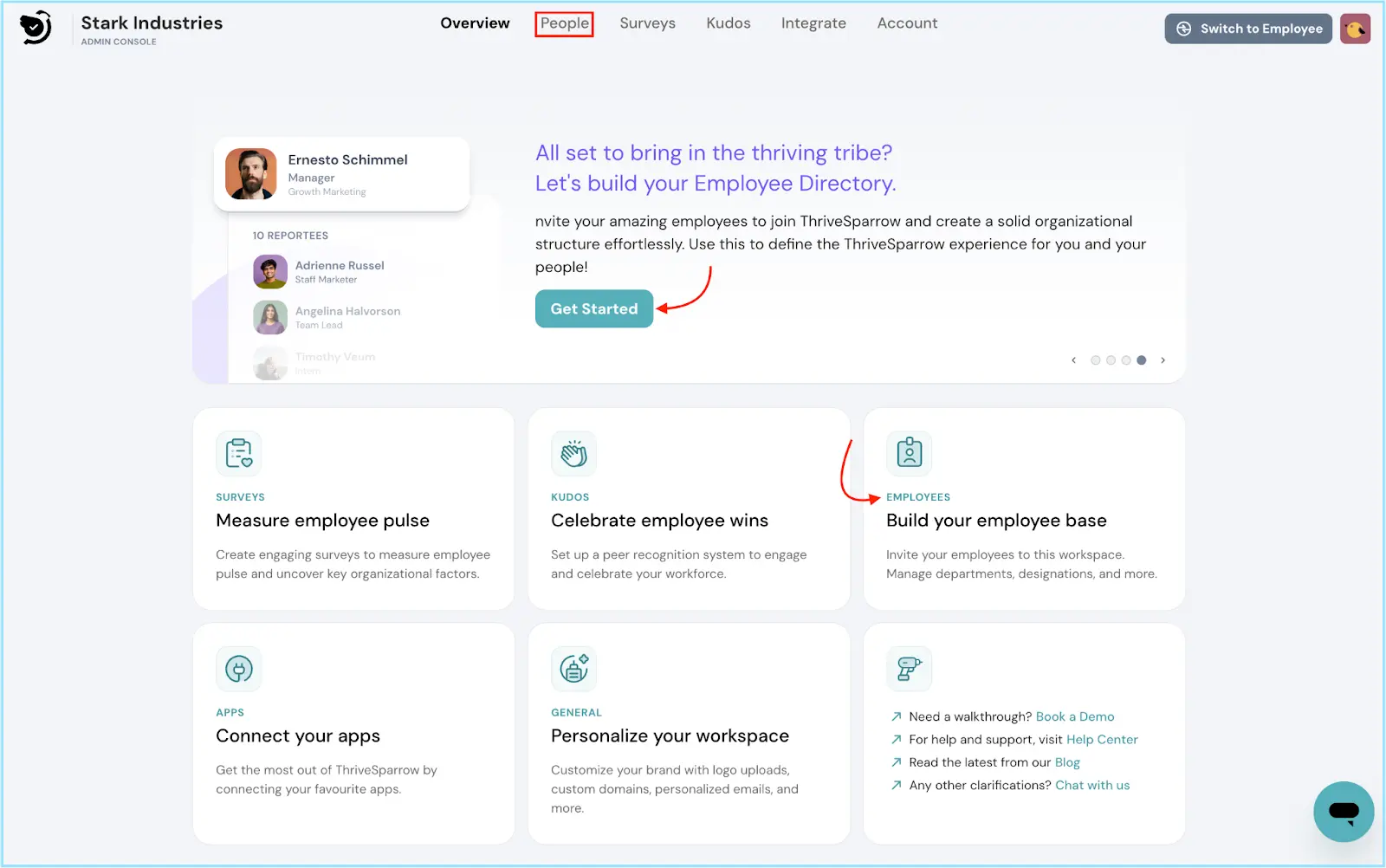
To begin, access the People module by clicking on the People tab in the top navigation bar, hitting on the Get Started button or selecting the Employees tile on the Overview page.
Locate Data Issues:
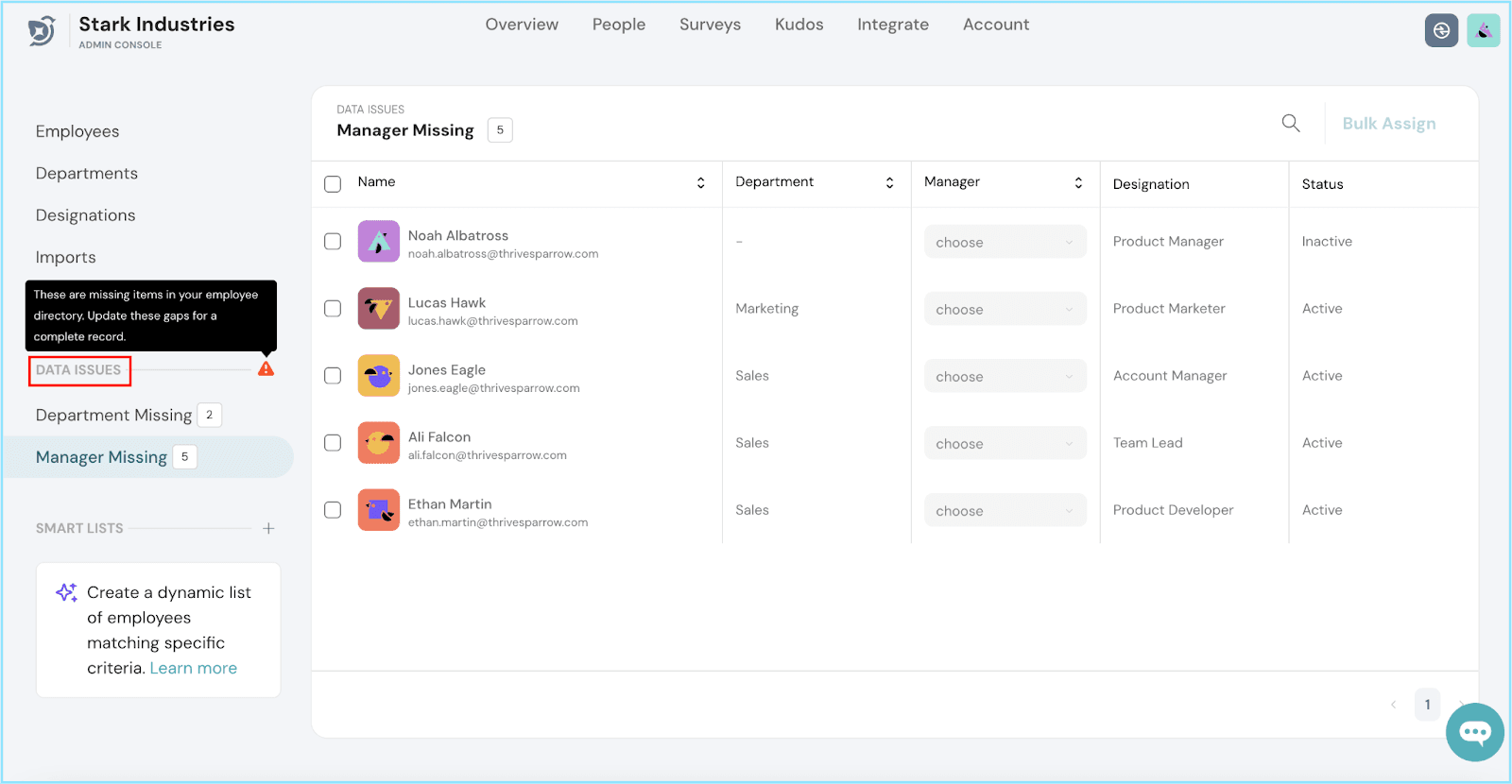
Resolve Individually or in Bulk:
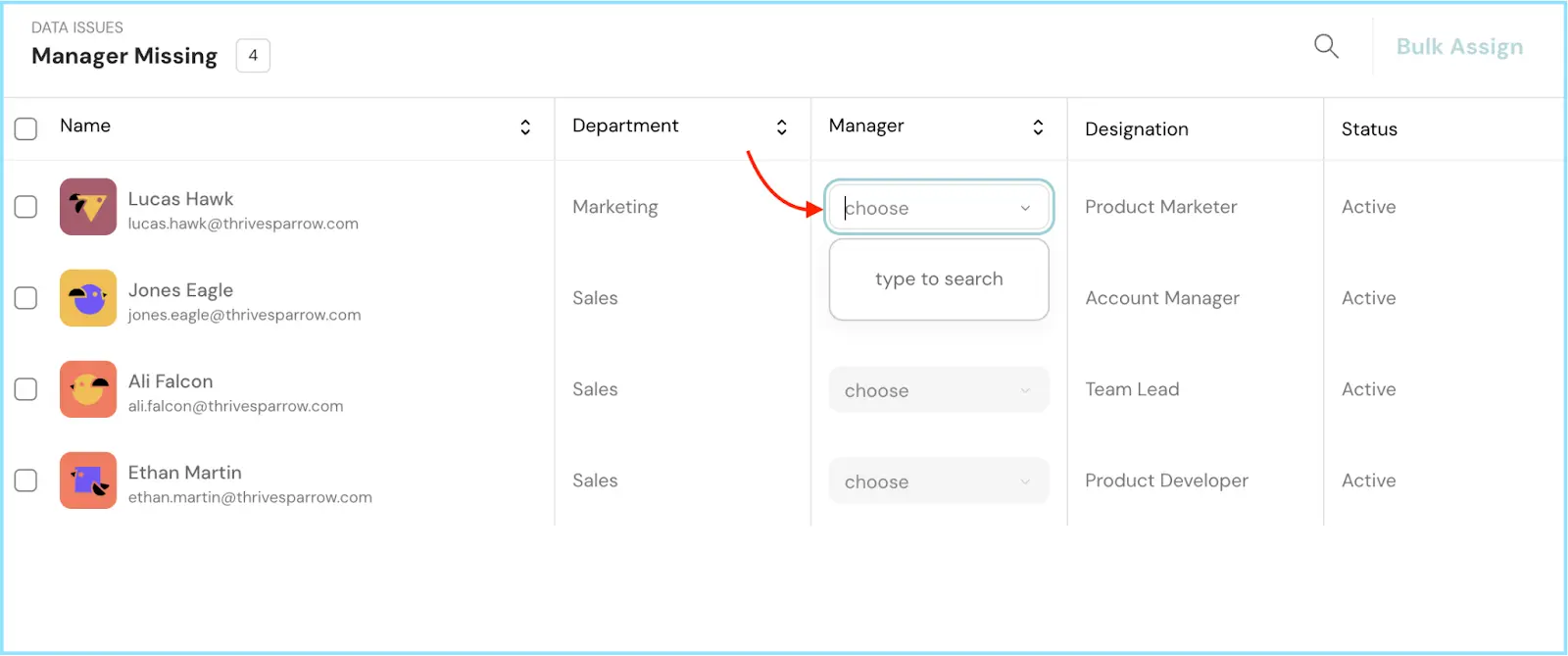
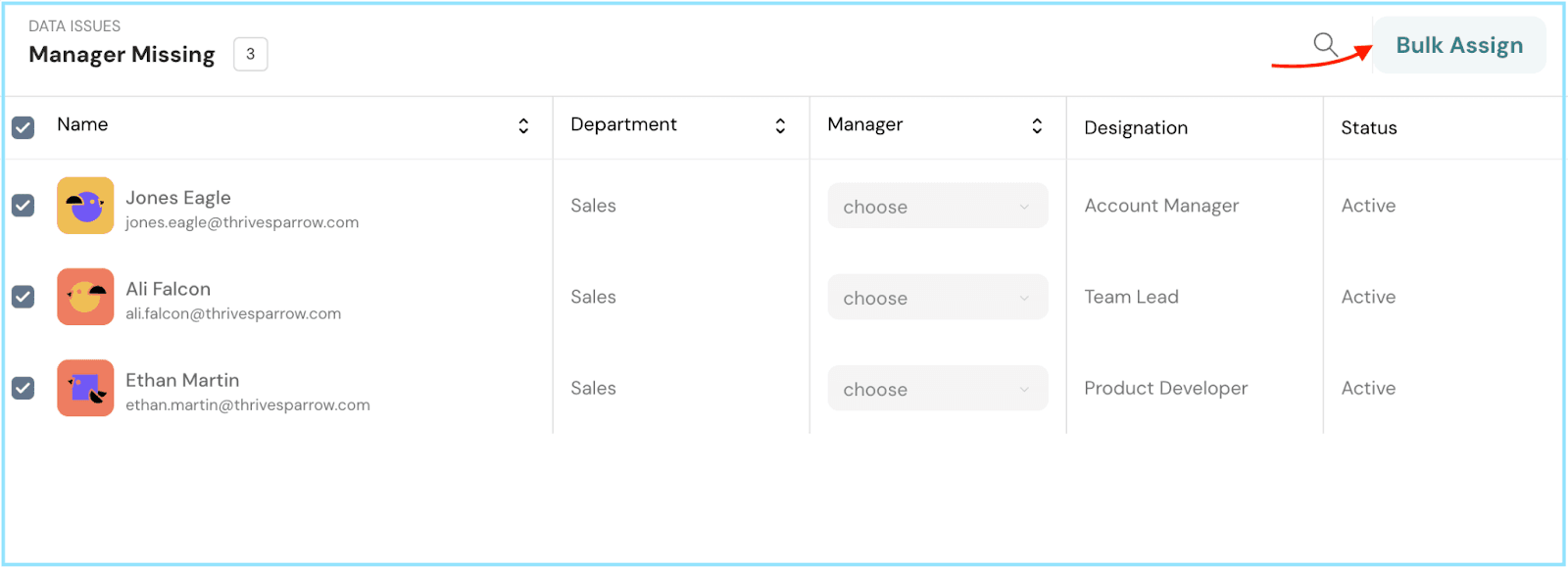
You have two options to resolve these data issues:
Resolve Individually:
Bulk Assignment:
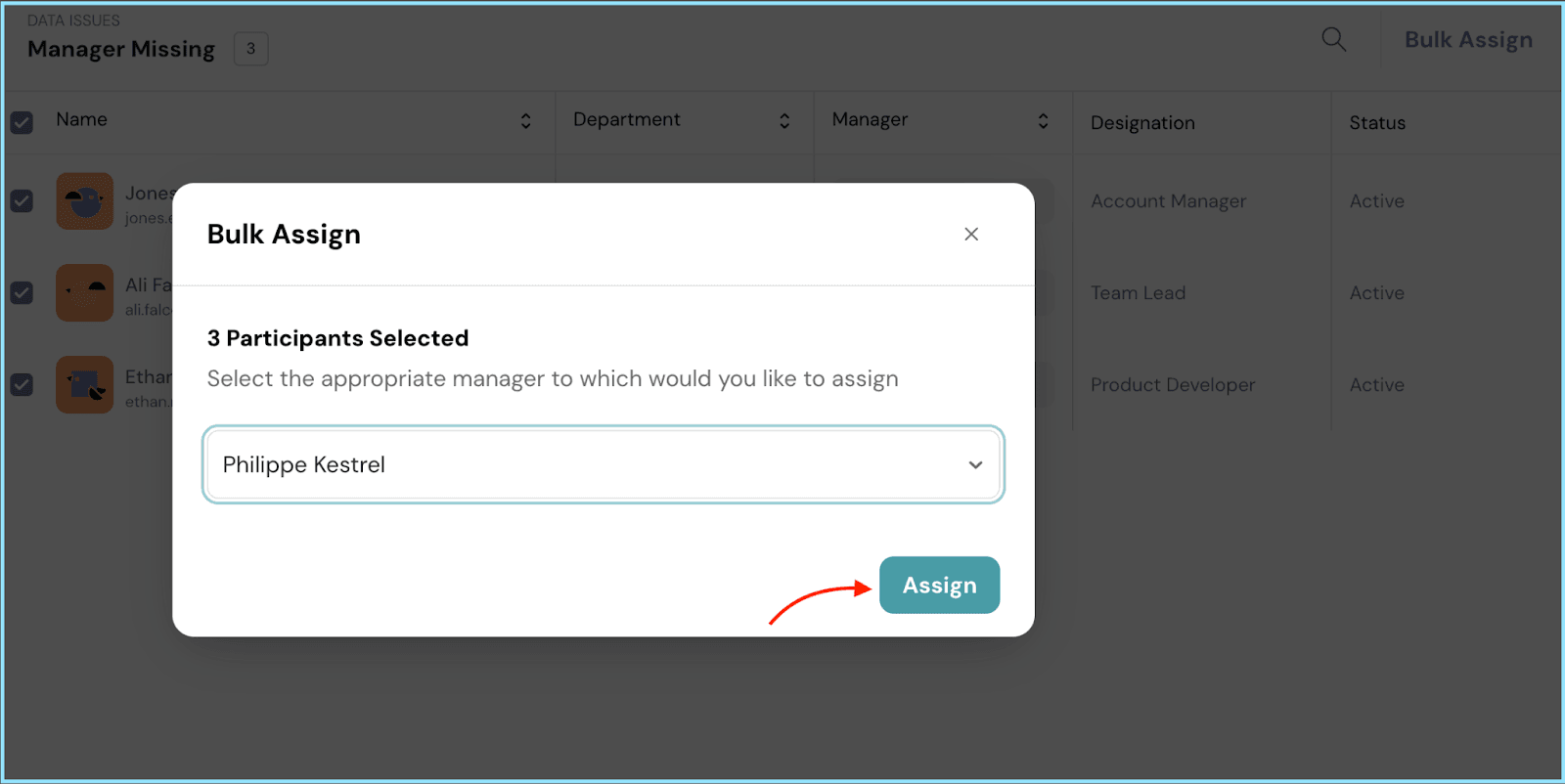
By following these steps, you can efficiently manage data issues within ThriveSparrow. This ensures that your employee directory remains complete and up-to-date, providing a seamless experience for your organization. Should you need any help, don't hesitate to contact our support team. Happy thriving!
Powered By SparrowDesk